Servo programmer
The servo programmer reads the 32 registers of a KST or Chaservo servo over its signal wire, shows them as settings and writes changed settings back. The servos of the two brands share one protocol and one register set. On SERVO, PROGRAM in the strip lists the programmers. The row KST and Chaservo servos opens this one over the left column, the strip's tabs with it, one level down; CLOSE or the home tag returns to the list. Opening it ends a running automatic test.
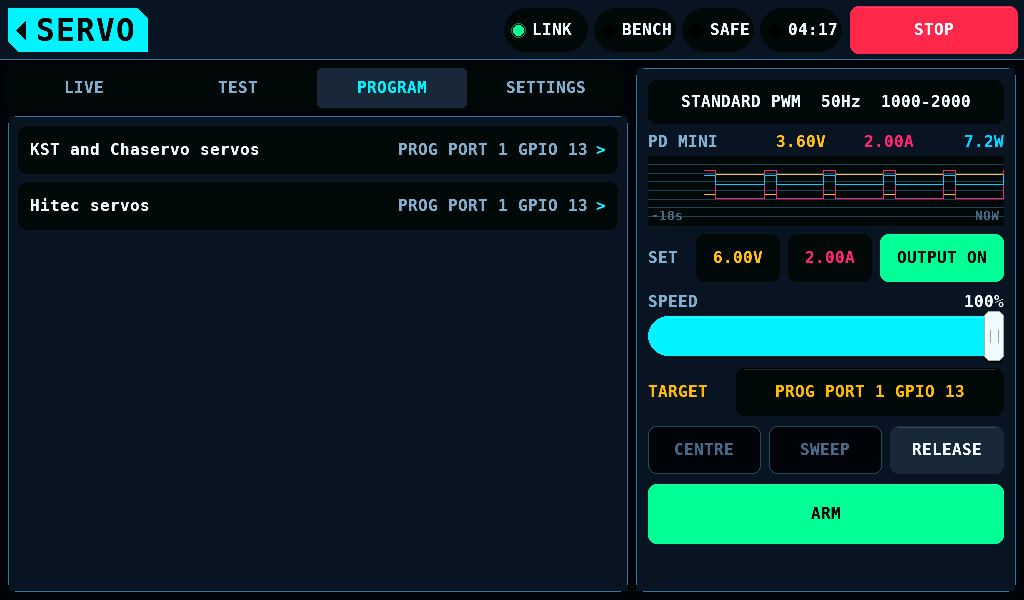
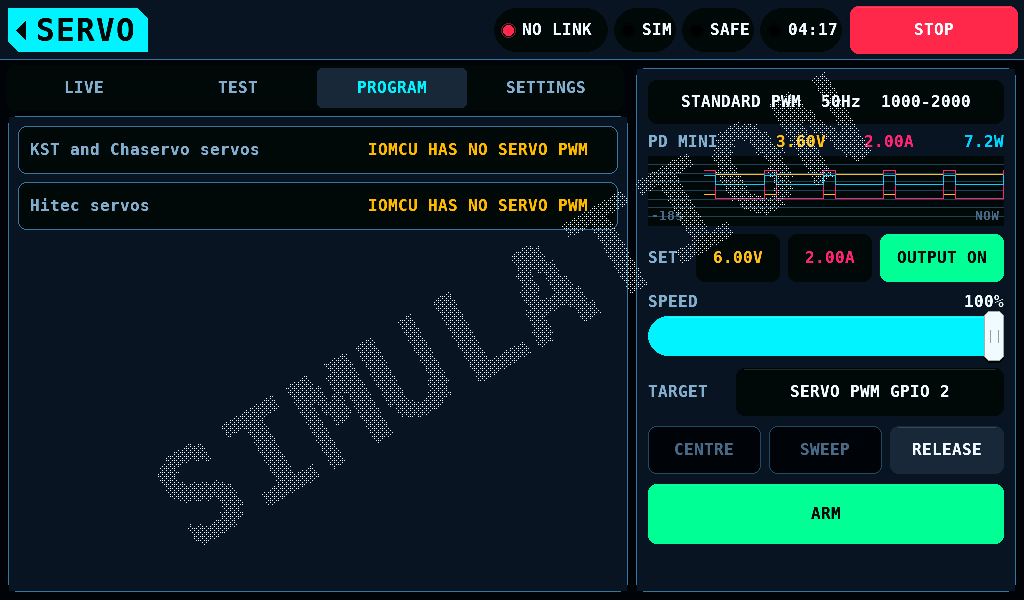
The row names what it drives: the port SERVO TESTER names and its pin, PROG PORT 1 GPIO 13. It is dimmed and opens nothing while the IOmcu, the RP2350 board, reports no servo PWM, which includes no IOmcu answering: the row then reads IOMCU HAS NO SERVO PWM.
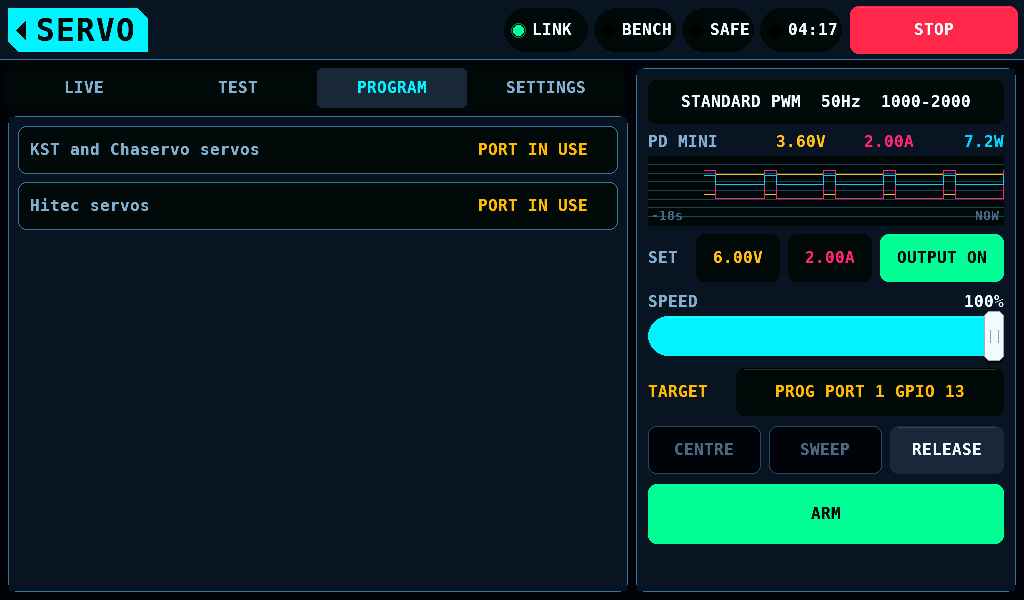
It is dimmed with PORT IN USE while a Hitec session opened from the bench console holds that port.
KST and Chaservo are names or trademarks of their respective owners. rcbench is not affiliated with, endorsed by or sponsored by them. The names say which servos the programmer works with.
The register layout and timing come from 1 KST Tool Card #2 and 1 Chaservo servo. The effect of a register on the servo's motion is not measured: names, units and limits are those the vendor tool displays and accepts.
What it needs
- An IOmcu of 0.17.0 or later (protocol 4.15, LEAVE included).
- The servo on one of the IOmcu's programming ports, PROG PORT 1 to 4, with FUNCTION SERVO PWM and a pin: port 1 is GPIO 13, pad 17, unless another pin is stored for it; ports 2 to 4 have the pin set on their PROG PORT entry of Outputs.
- SERVO TESTER on that entry set to that port, PORT 1, PORT 2, PORT 3 or PORT 4; a tap on the TARGET row opens it (the TARGET row).
- The bench SAFE. CONNECT is refused while ARMED with
Tap DISARM first. The port cannot be taken over while ARMED.While the port is held, no screen switches the bench to ARMED.
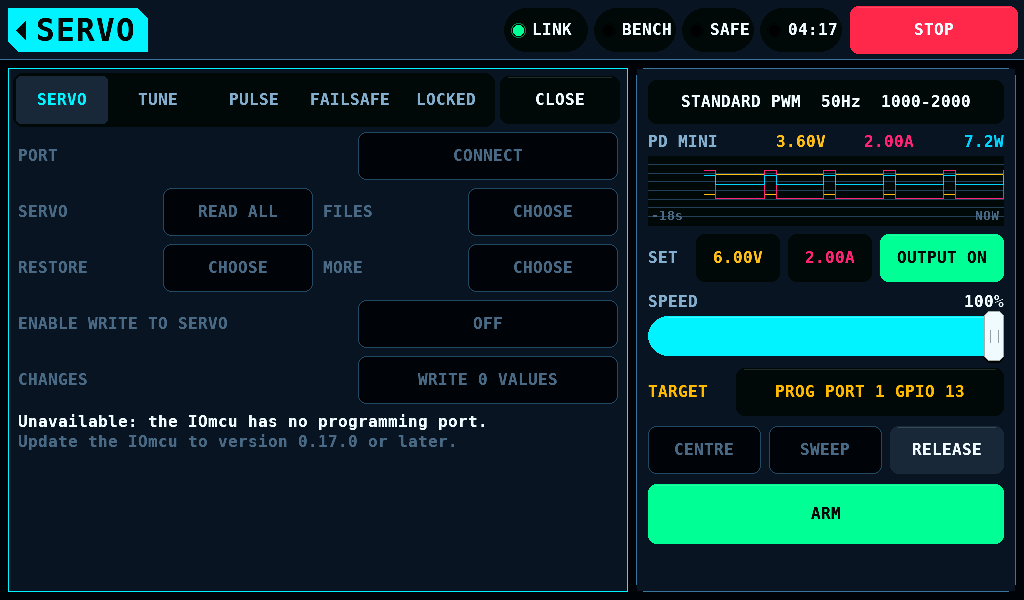
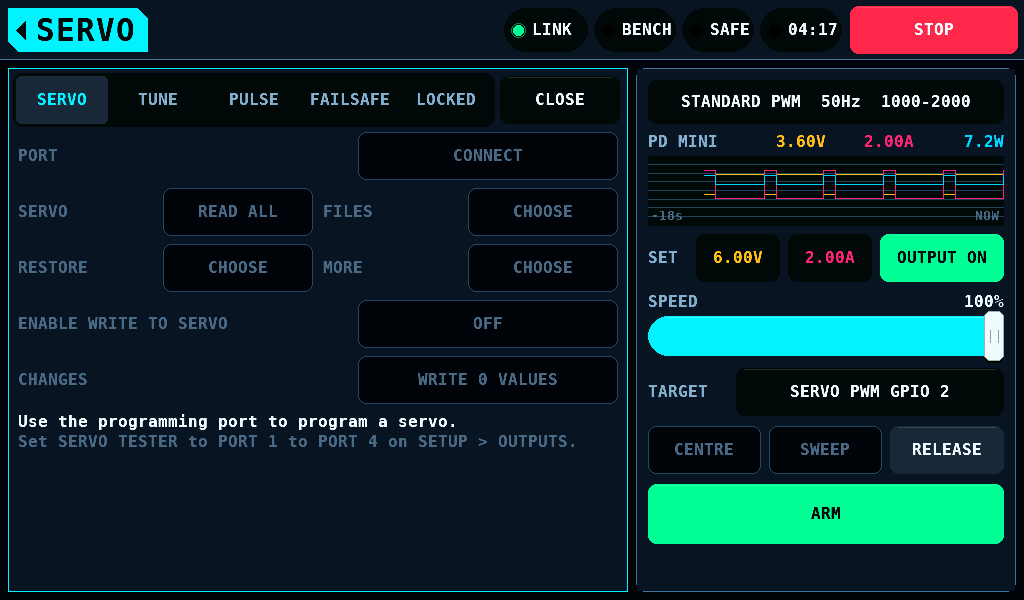
Without these, every control but CLOSE is off and the tab says what is missing.
The port and the supply
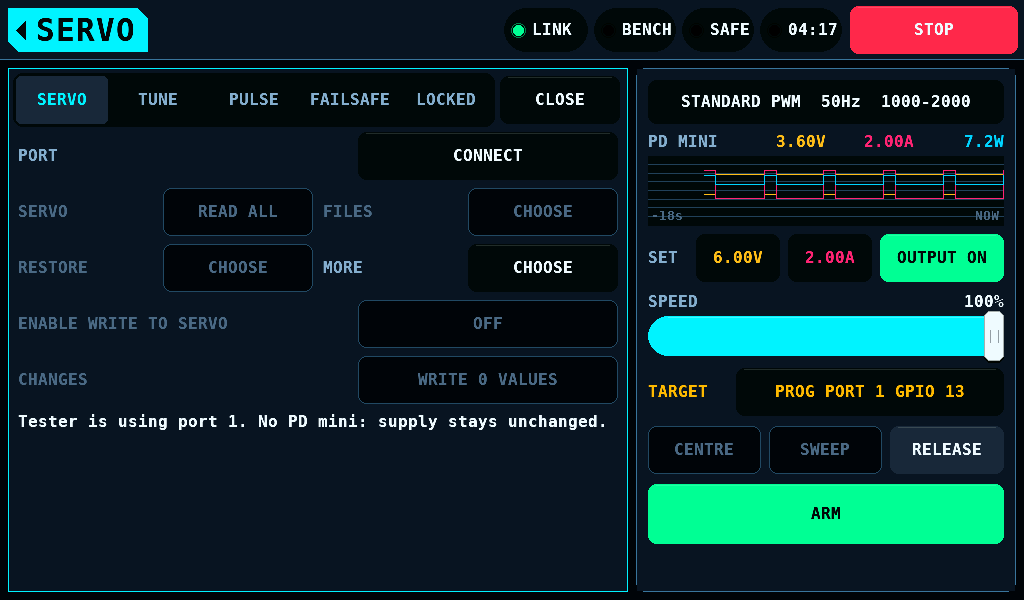
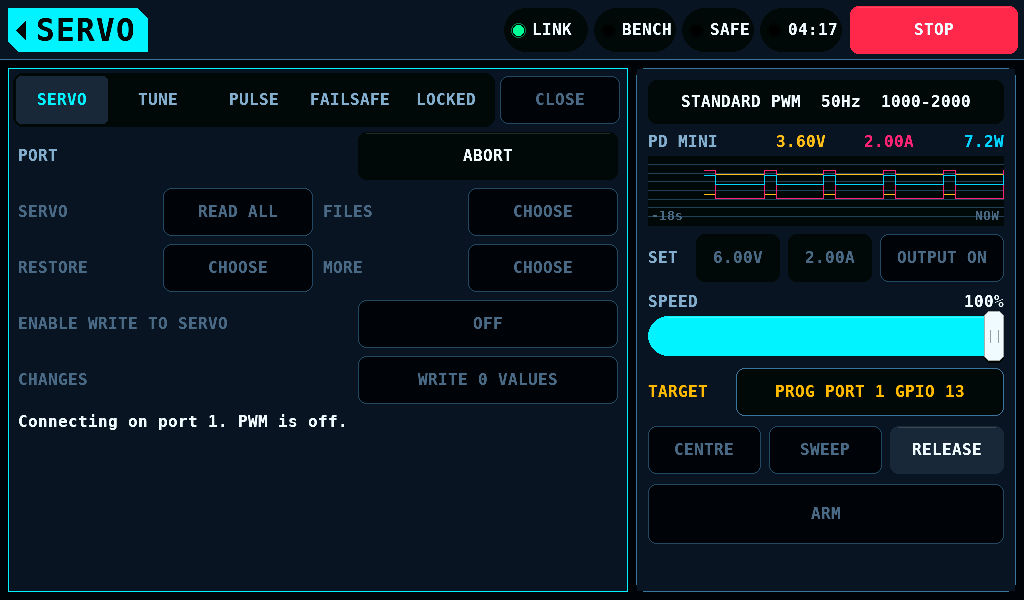
The port is in PWM (pulse-width modulation) or in programming, never both. CONNECT takes the port out of PWM, sets the supply where a PD mini answers, runs the entry sequence and reads all 32 registers. The button then reads LEAVE, and ABORT while an operation runs.
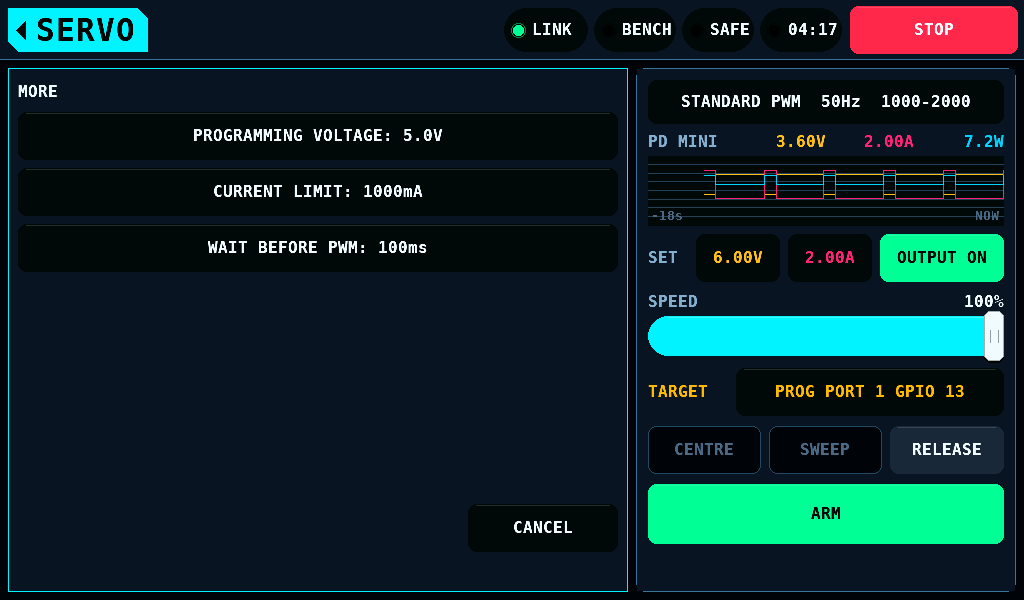
MORE, while the tester has the port, sets what CONNECT applies:
| Entry | Range | Default |
|---|---|---|
| PROGRAMMING VOLTAGE | 4.8 to 6.0V in 0.1V steps; up to 8.4V with HV SERVO on | 5.0V |
| CURRENT LIMIT | 50 to 3000mA | 1000mA |
| WAIT BEFORE PWM | 0 to 10000ms | 100ms |
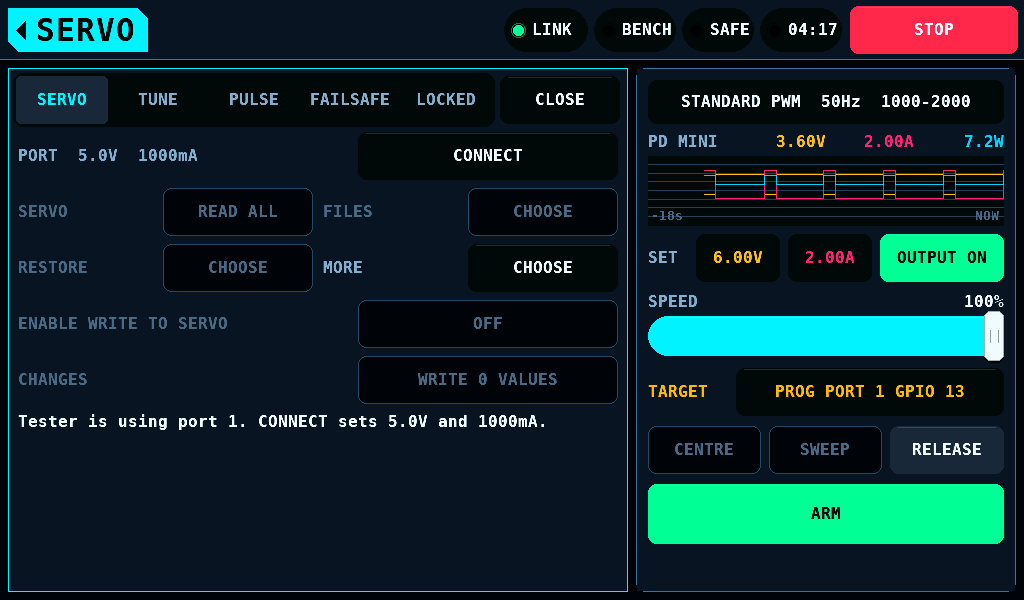
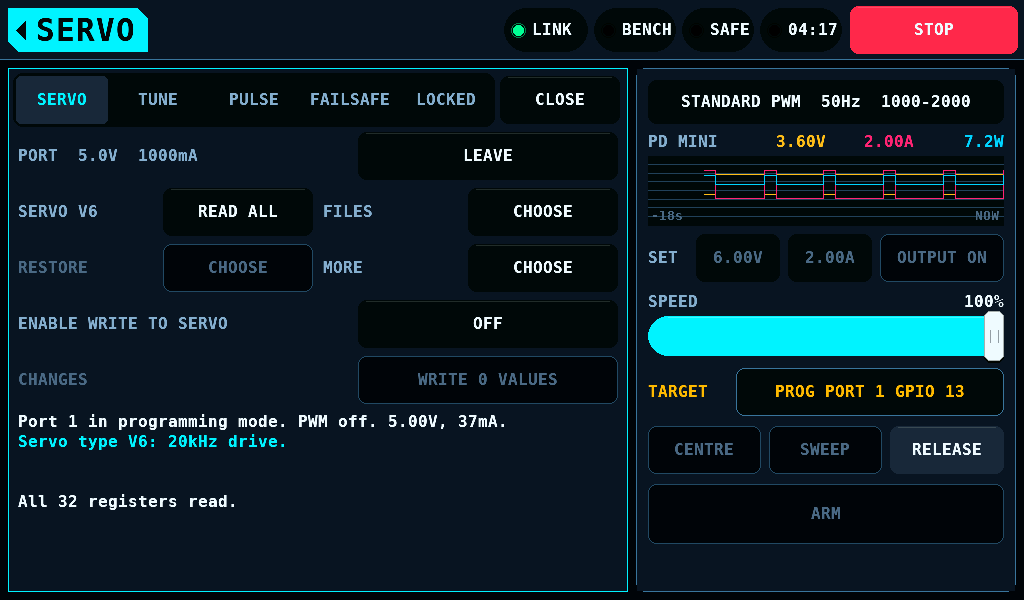
While the port is out of PWM, the supply's set points belong to the port: the SET row and the SUPPLY screen take no change and no ON. OUTPUT OFF and STOP work. Without a PD mini the voltage and current limit are stored and not applied.
The SERVO tab
| Row | Button | Does |
|---|---|---|
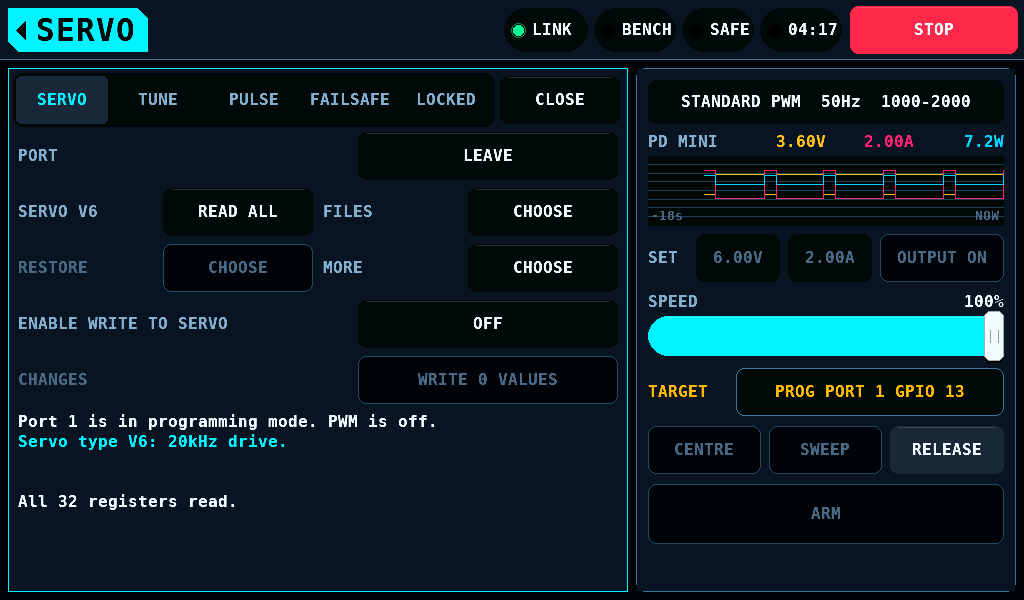
| PORT | CONNECT, ABORT, LEAVE | takes the port, ends the running operation, gives the port back |
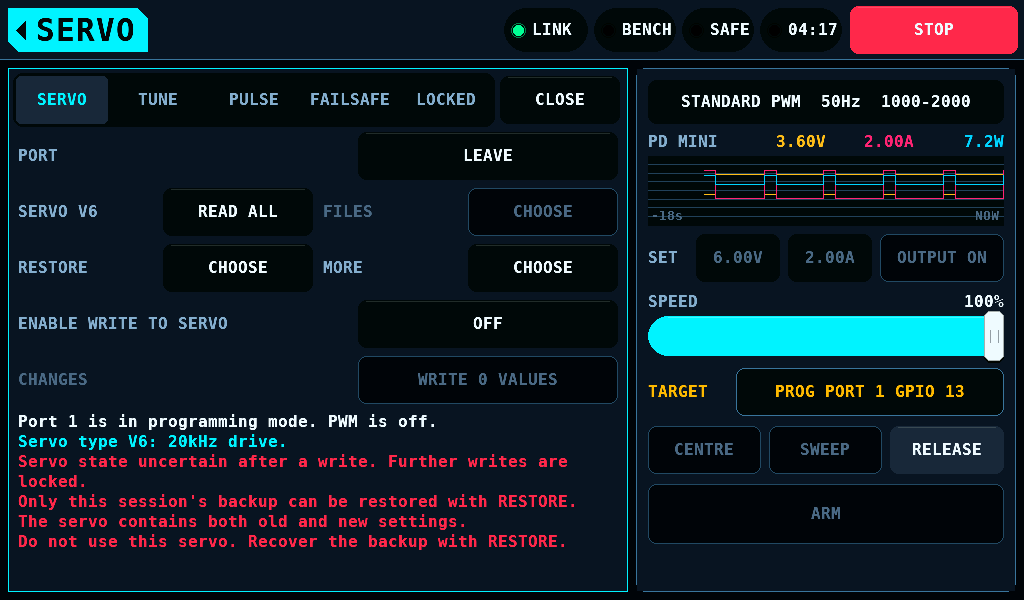
| SERVO V6, SERVO V8 | READ ALL | reads the 32 registers, each until 3 of at most 5 reads agree |
| FILES | CHOOSE | saves the servo's values to the card, loads a file |
| RESTORE | CHOOSE | writes a backup back |
| MORE | CHOOSE | in programming: VERIFY, DISCARD EDITS, RELEASE PAIRING |
| ENABLE WRITE TO SERVO | OFF, ON | the write switch |
| CHANGES | WRITE n VALUES | writes the changed values |
V6 is a 20kHz drive, V8 a 333Hz drive. The type is never edited and never written.
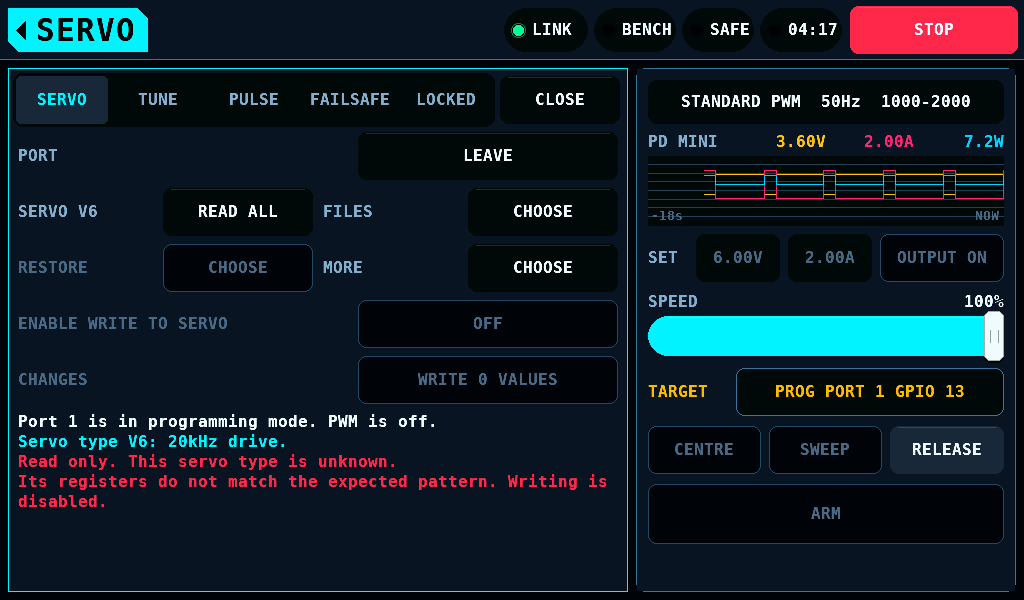
A servo whose registers do not fit the known layout is shown and never written: Read only. This servo type is unknown.
Editing
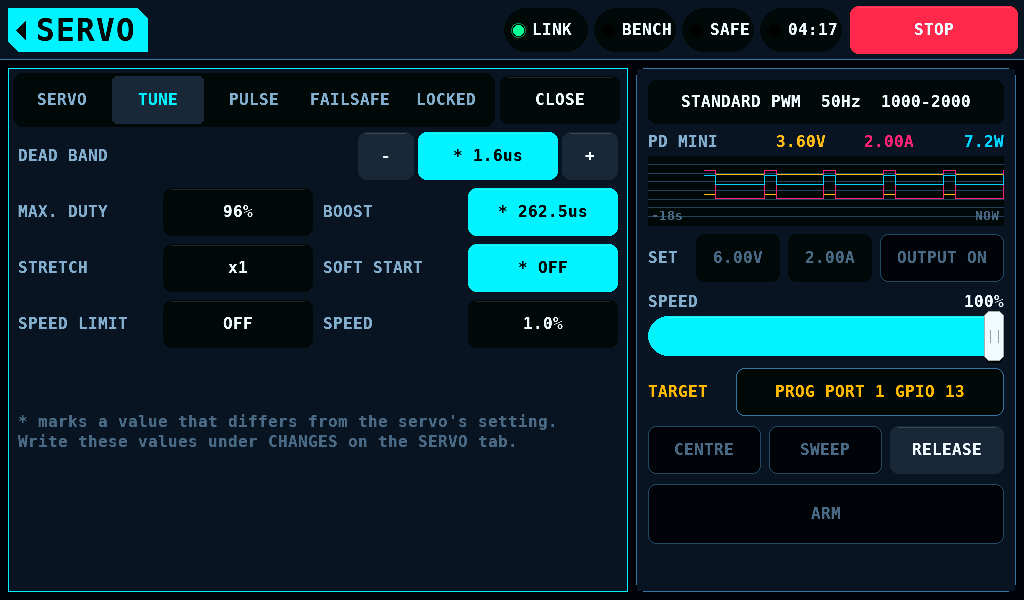
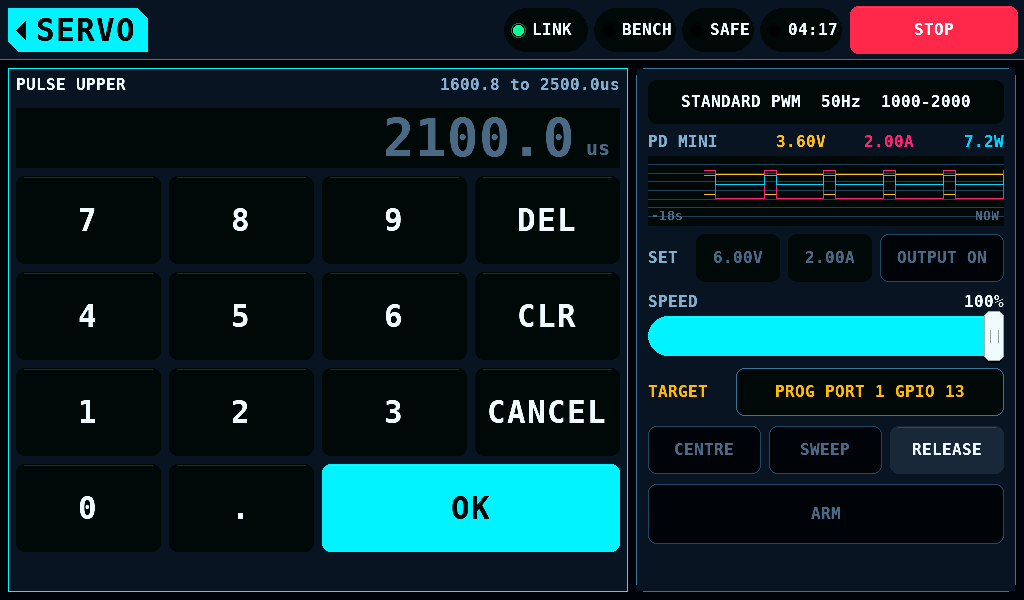
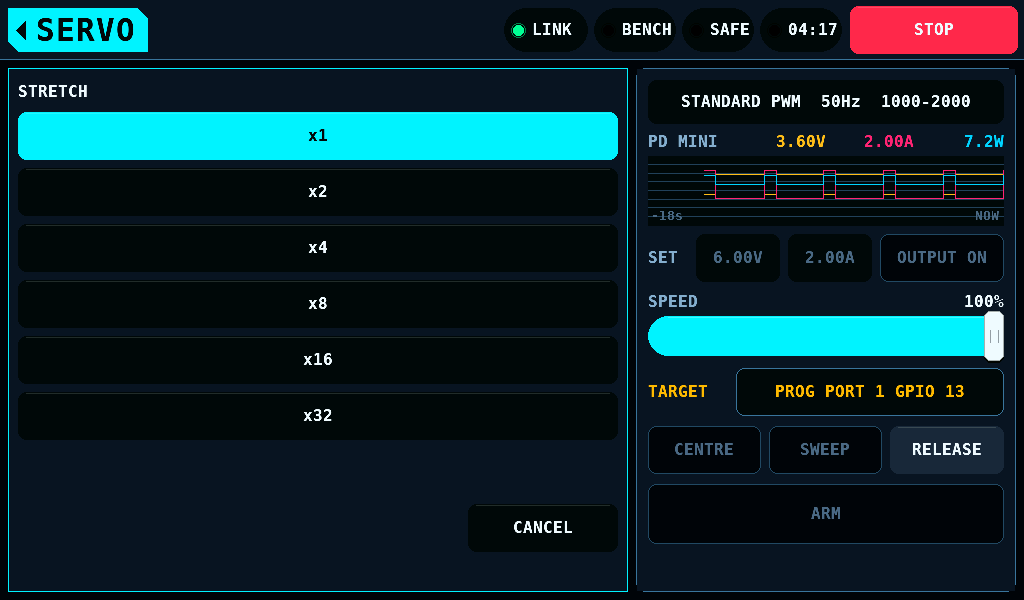
A value is edited in a draft on the panel. Nothing reaches the servo before WRITE. A changed value is marked with * and the accent fill. A number opens the keypad, limited to what the hard limits accept; STRETCH opens a list; a switch flips on the tap.
| Tab | Rows |
|---|---|
| TUNE | DEAD BAND, MAX. DUTY (10 to 98%), BOOST (up to 3000us), STRETCH (x1 to x32), SOFT START, SPEED LIMIT, SPEED |
| PULSE | NEUTRAL (1360 to 1640us), PULSE LOWER (from 500us), PULSE UPPER (up to 2500us), LEFT ANGLE, RIGHT ANGLE, REVERSION |
| FAILSAFE | MOVE ON SIGNAL LOSS, POSITION (500 to 2500us), AFTER (0.4 to 13.0s) |
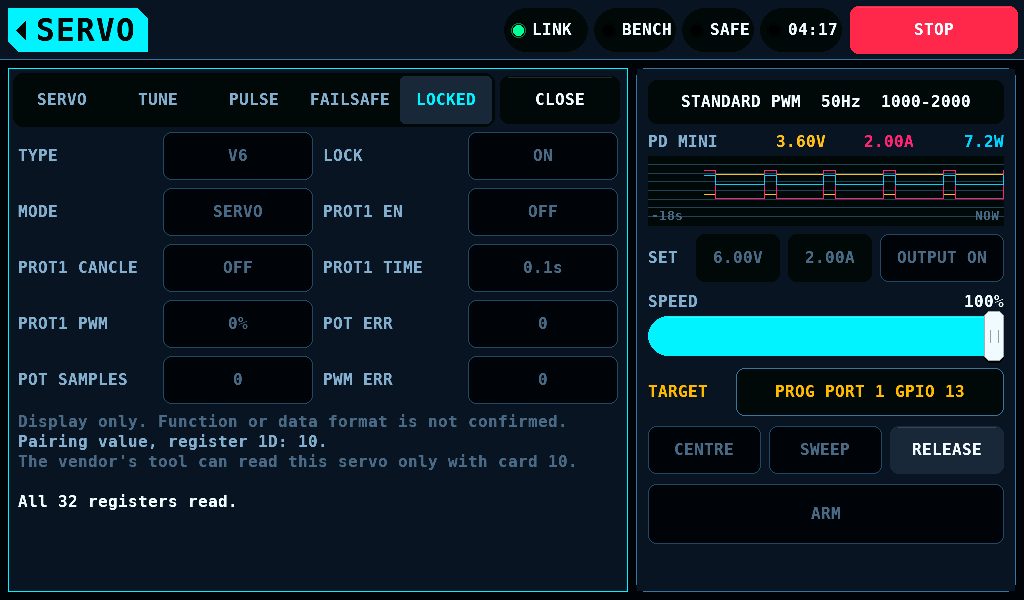
| LOCKED | the servo type, LOCK, MODE and the protection block; shown, never edited |
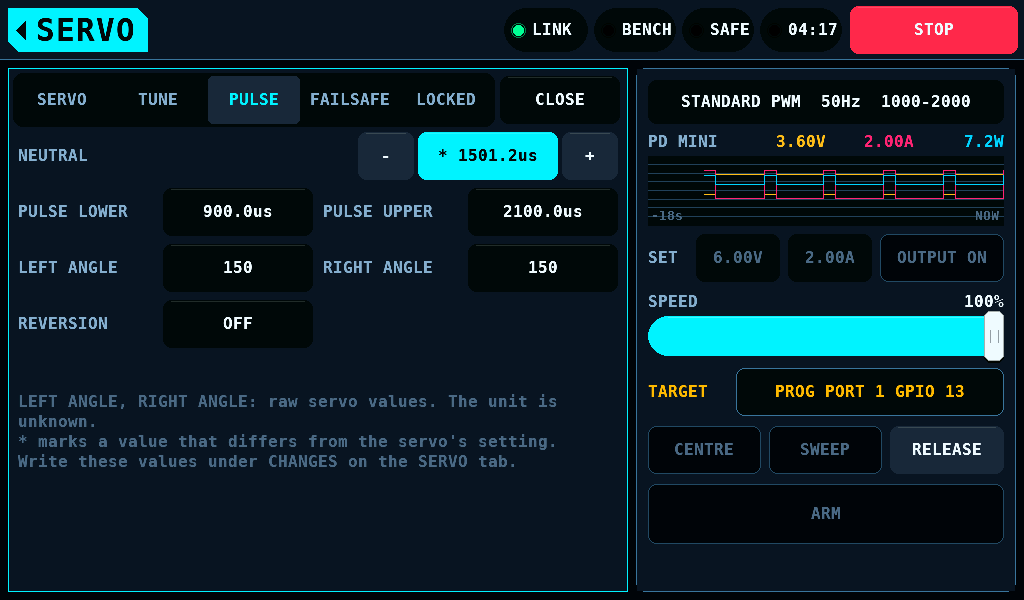
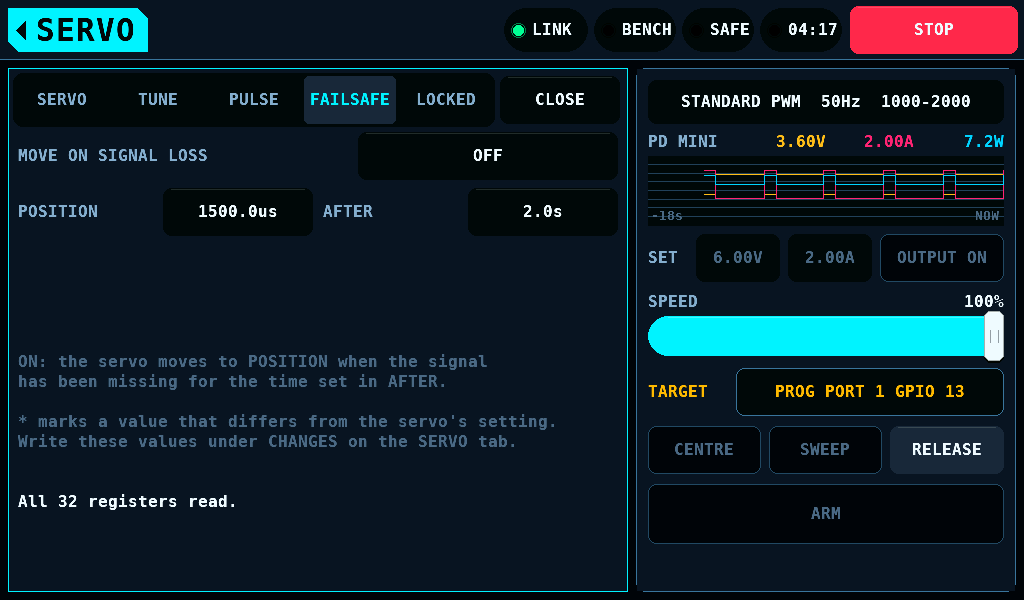
LEFT ANGLE and RIGHT ANGLE are the servo's own numbers; their unit is unknown.
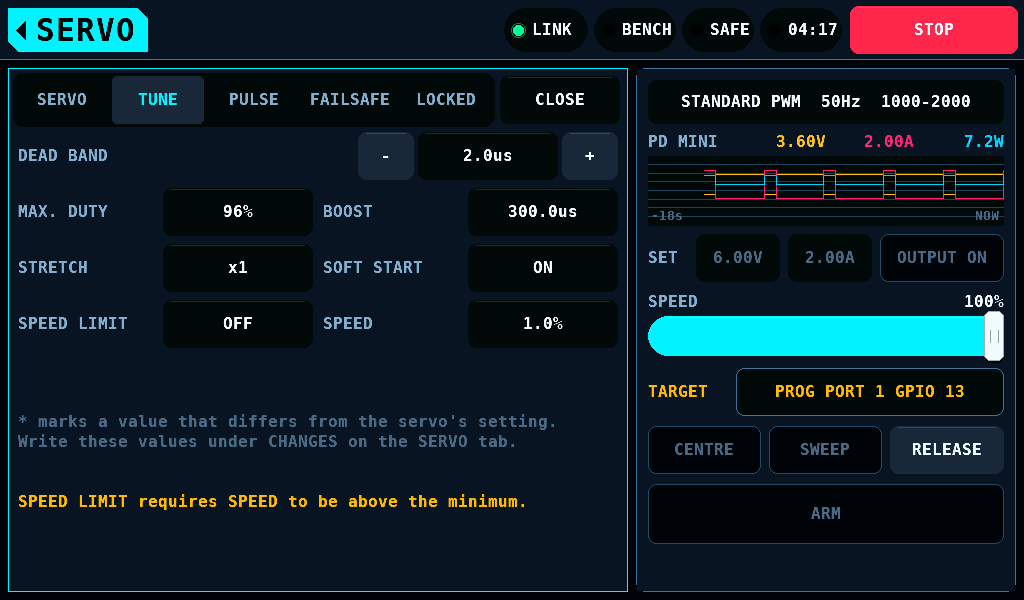
A tap that would break a hard limit changes nothing and names the limit.
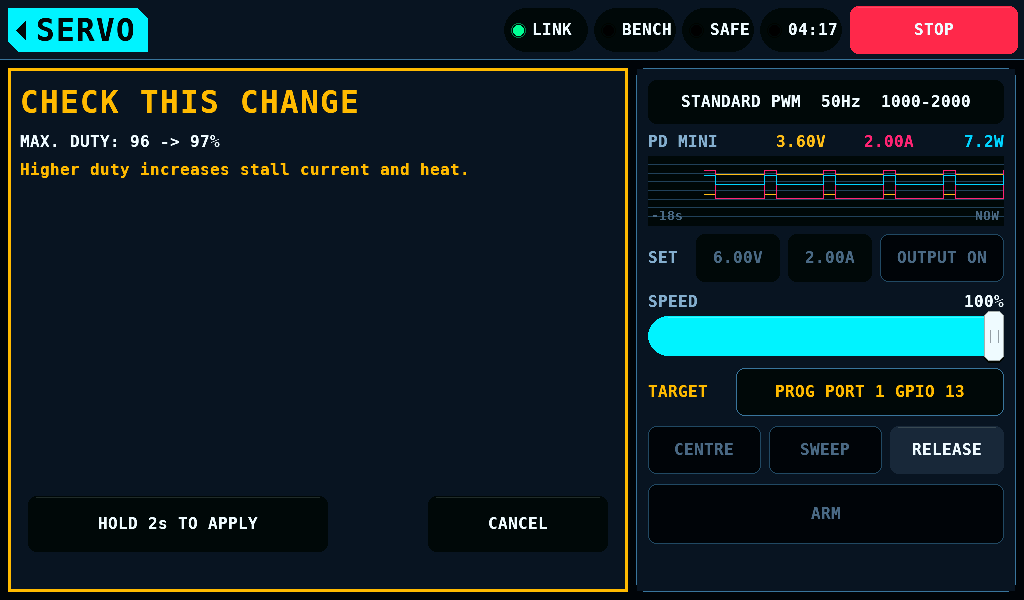
A value inside the hard limits that breaks a soft limit opens CHECK THIS CHANGE, with the servo's value, the new value and one line per limit. HOLD 2s TO APPLY takes it after 2s; CANCEL leaves the draft as it was. A limit run asks nothing here: its 2s start hold is the consent to a LEFT ANGLE or RIGHT ANGLE below 50.
Writing
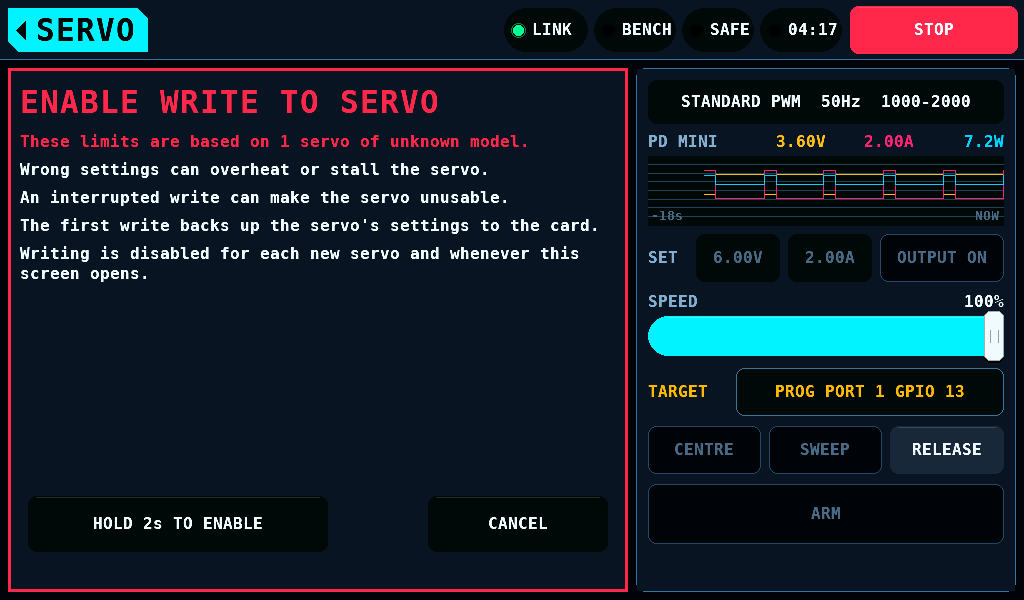
ENABLE WRITE TO SERVO is off by default. A tap on OFF opens a page that names the risks; HOLD 2s TO ENABLE switches it on after 2s. It goes off at every entry of SERVO, at every STOP, CONNECT and LEAVE, on a lost link, and when a servo is in doubt.
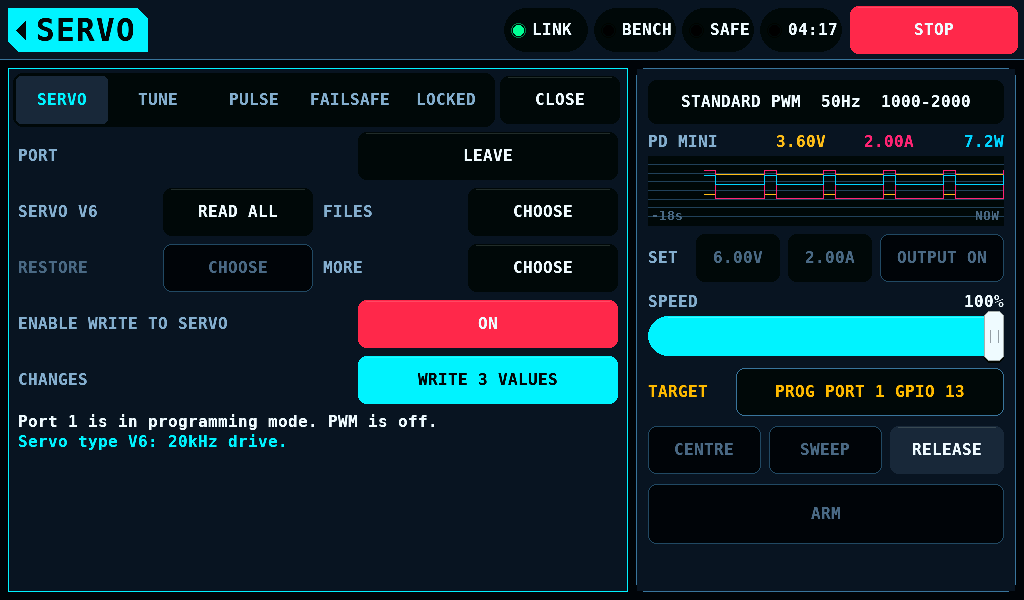
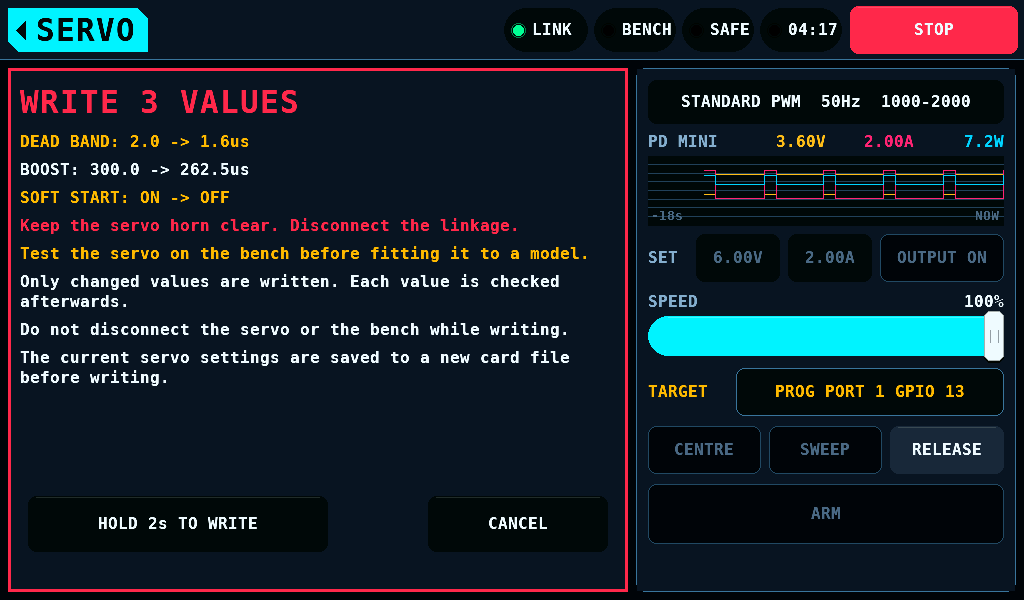
WRITE n VALUES opens the write page with the changes, DEAD BAND: 2.0 -> 1.6us. HOLD 2s TO WRITE starts the write after 2s.
- The first write of a session saves the servo's values to a new file on the SD (Secure Digital) card.
- The panel records the write in
BENCH/KST/CONF/KST.TXT, or in memory without a card. - The IOmcu checks the values against the same limits, plans the register writes and runs them.
- Every register written is read back. A write that does not take is undone.
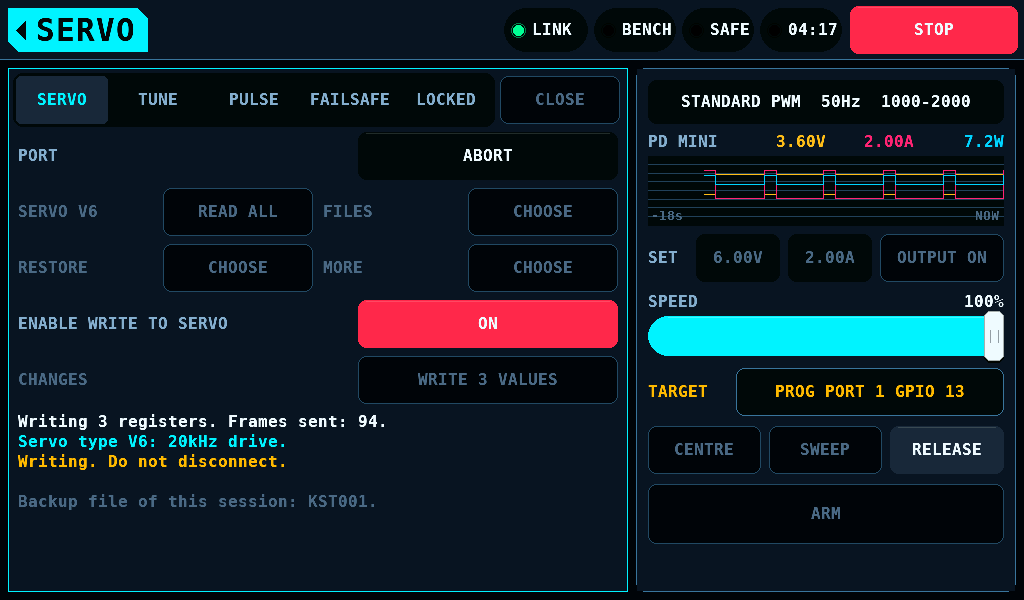
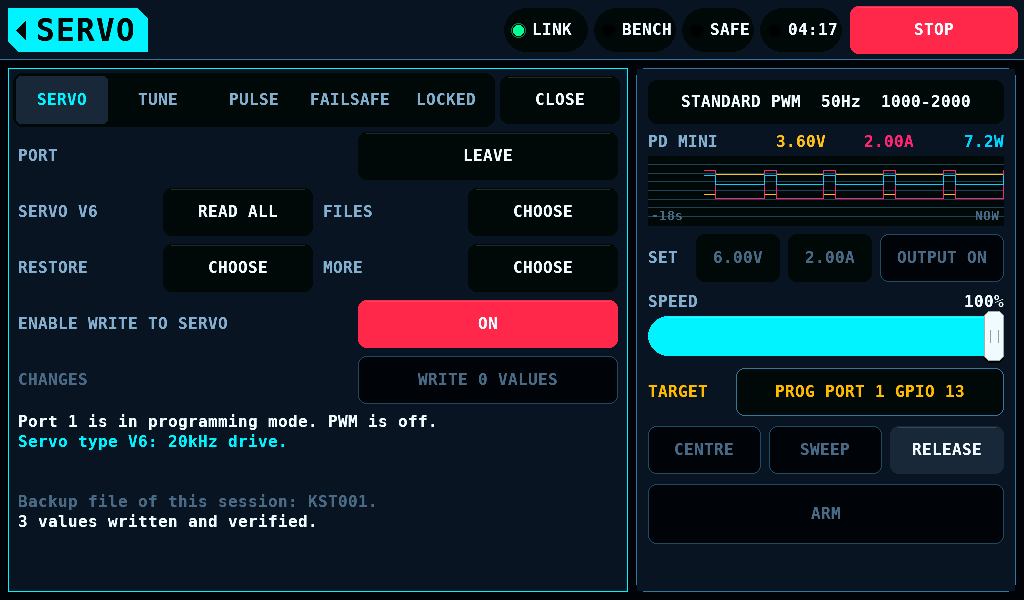
A value written and read back counts as in effect. Whether a servo acts on it before its next power-up is not measured.
Files
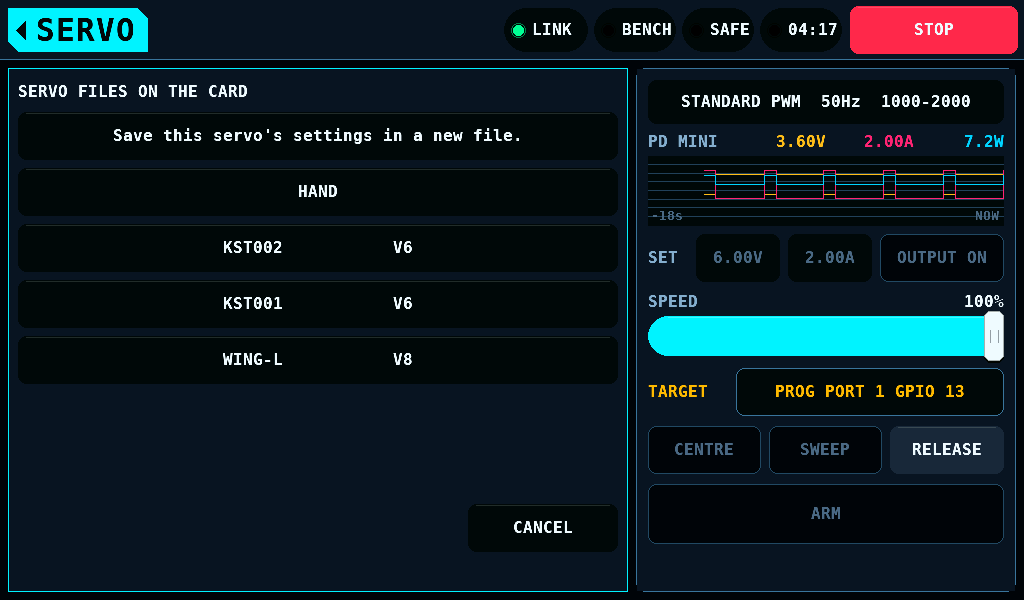
FILES lists the servo files in the card's folder BENCH/KST/CONF, 5 a page, each with its servo type. The first entry saves the servo's values under a new name, KST001 and upwards, up to 16 characters.
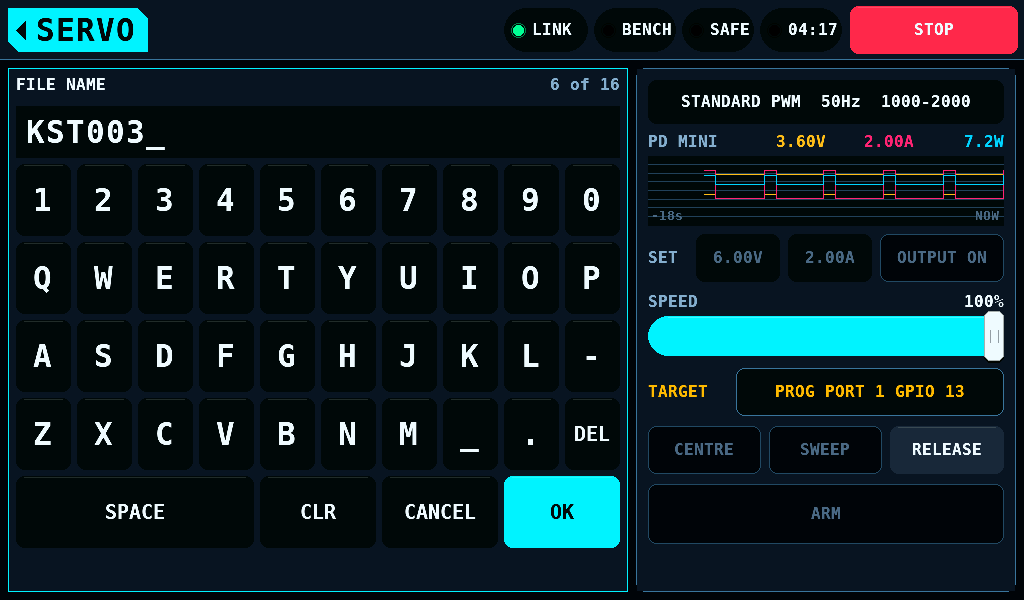
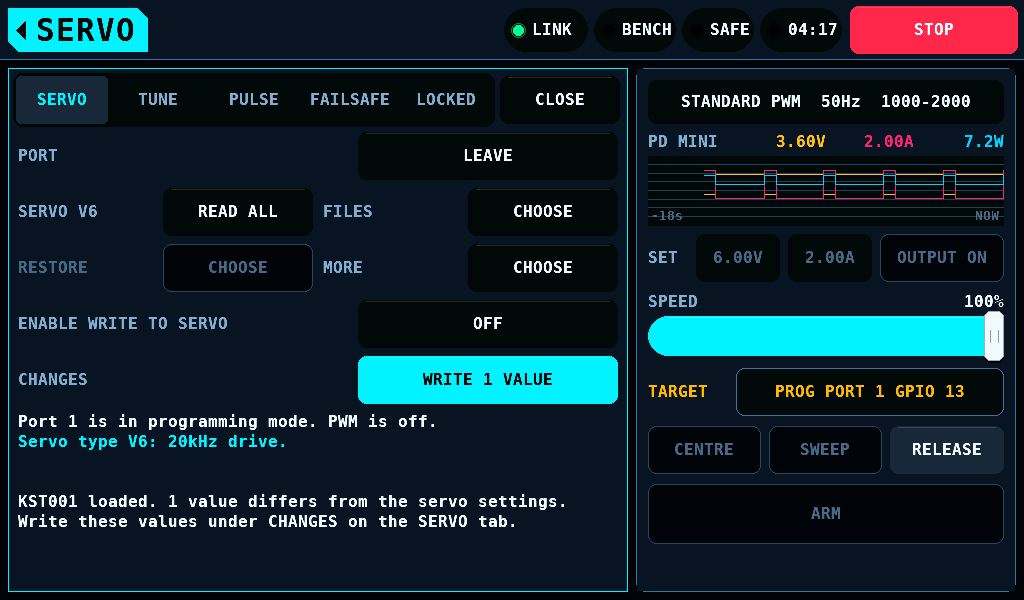
A tap on a file loads it into the draft. Nothing reaches the servo before the write. A file of the other servo type, a damaged file or a value outside its hard limit is not loaded, and the line says why.
Restore and MORE
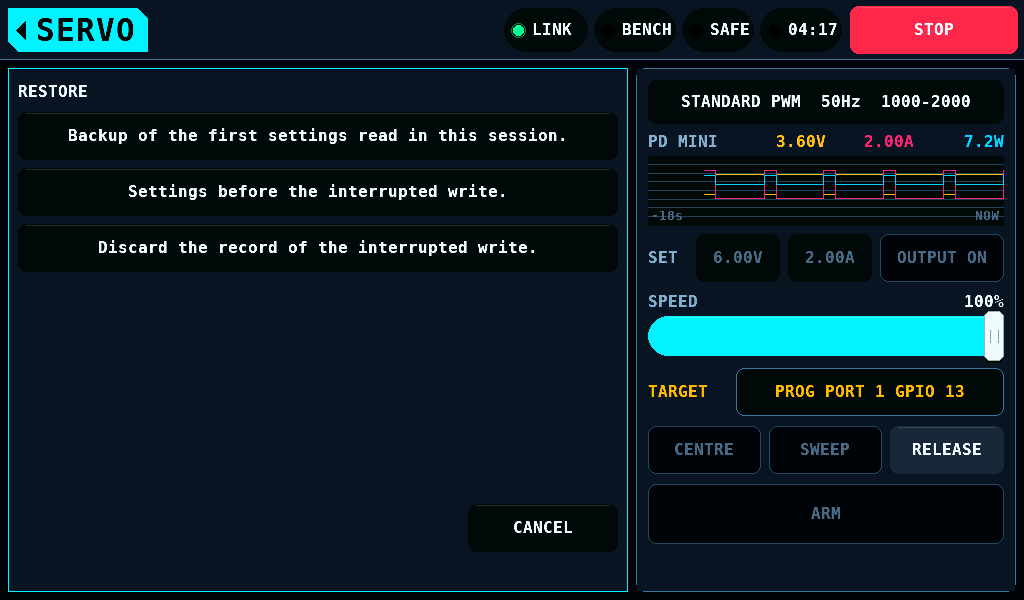
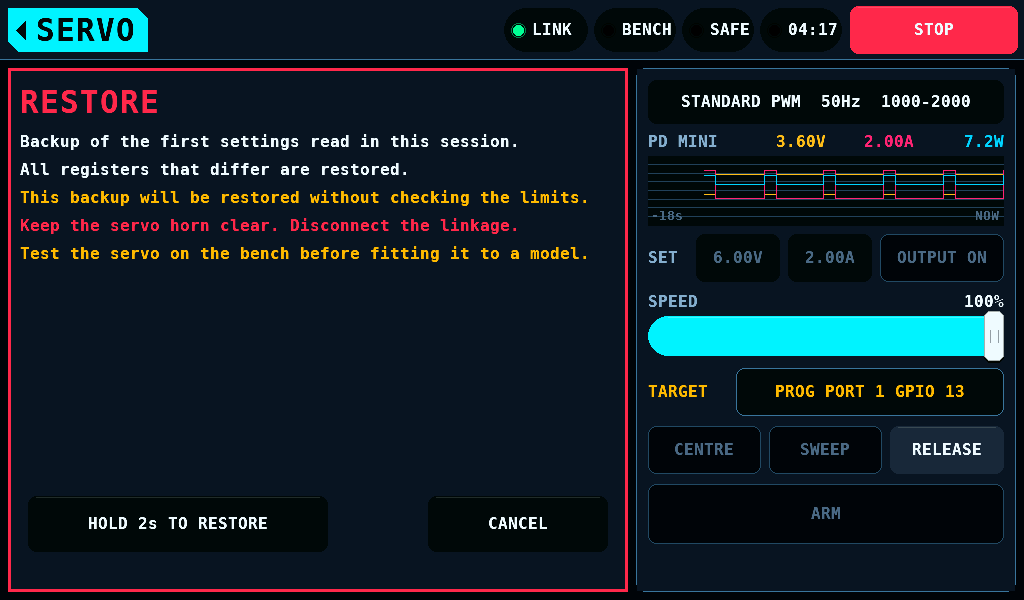
RESTORE writes back the session's backup, the servo as first read after CONNECT, the values before an interrupted write, or Settings before the limit run.. Every restore needs the write switch and a 2s hold.
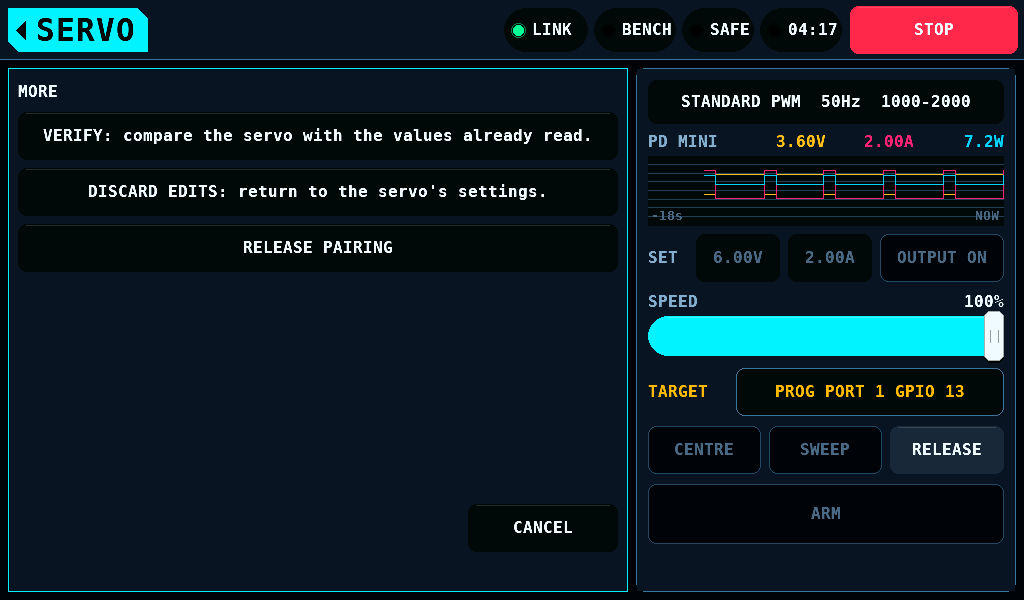
- VERIFY reads all registers and compares them with the image held.
- DISCARD EDITS sets the draft back to the servo's values.
- RELEASE PAIRING sets register 1D to 00 after a 2s hold. What the servo does with the value is not known.
An interrupted write
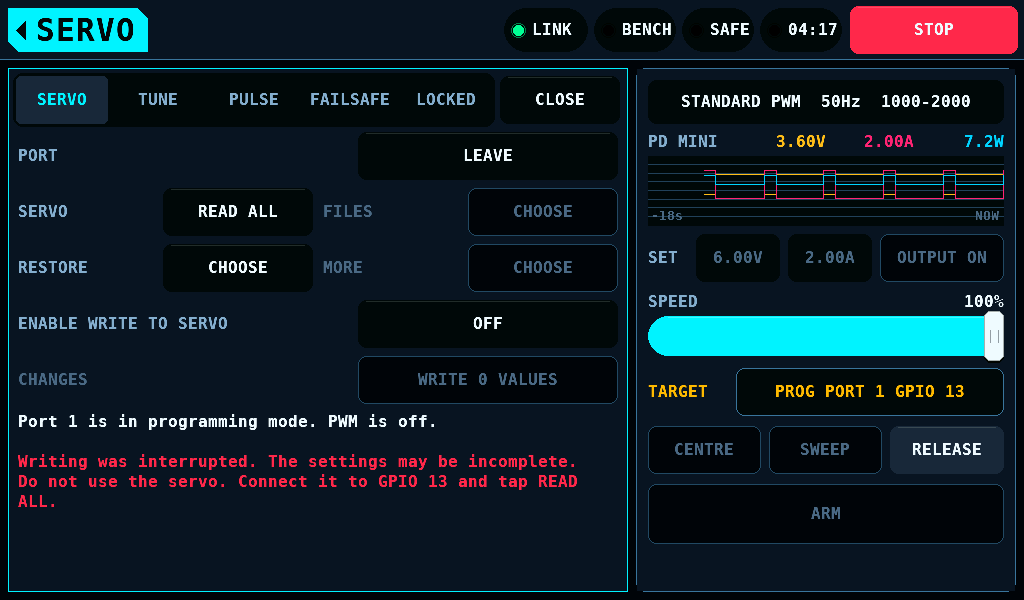
A write counts as interrupted when the link goes, a board restarts, ABORT or a stop ends it, or no result arrives in time. The tab then reads Writing was interrupted. The settings may be incomplete. until the servo is read again. READ ALL compares the servo with the record and offers RESTORE.
Leaving
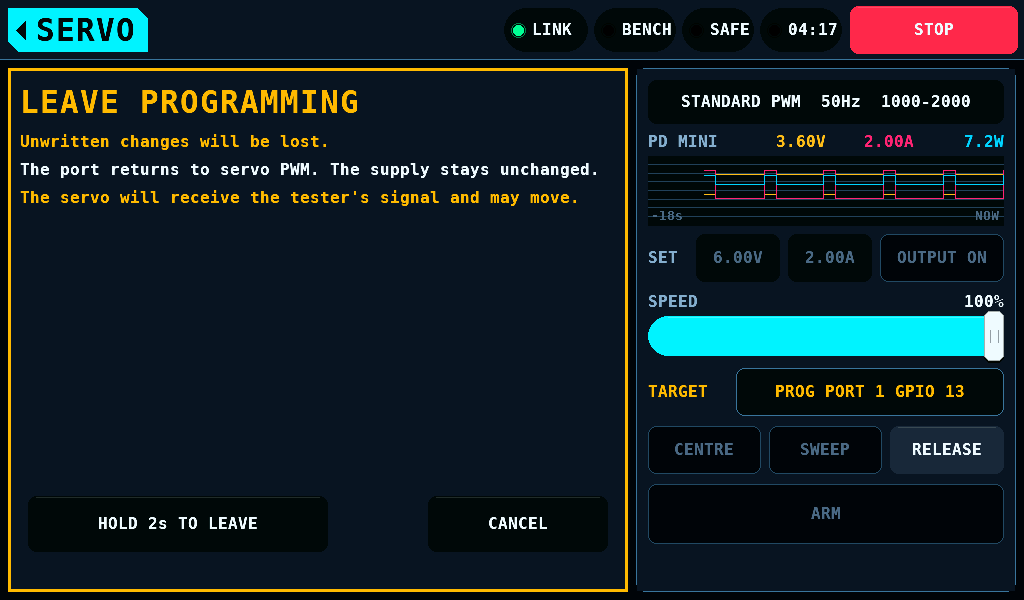
LEAVE, or CLOSE or the home tag in programming, opens LEAVE PROGRAMMING: the port goes back to servo PWM, the supply stays as it is, and the servo may move. HOLD 2s TO LEAVE takes it after 2s. The port holds its line low for WAIT BEFORE PWM, then gives the pin to the tester. Leaving the SERVO screen is no LEAVE: the session and the port stay, and the programmer is open again on PROGRAM at the next entry. Over a keypad, a list, a warning or the keyboard in the programmer the home tag closes that one first.
Related pages
- Servo and Servo settings
- Servo programmer reference: every message, limit and limitation.