Files
FILES shows the SD (Secure Digital) card in two panes. It copies, moves, renames and deletes files, and makes folders and empty text files. It opens from FILES at the bottom of LOGS and from the FILES tile on SETUP. The home tag closes a box or the keyboard first, then leads back to the screen that opened FILES. FILES drives no output.
The two panes
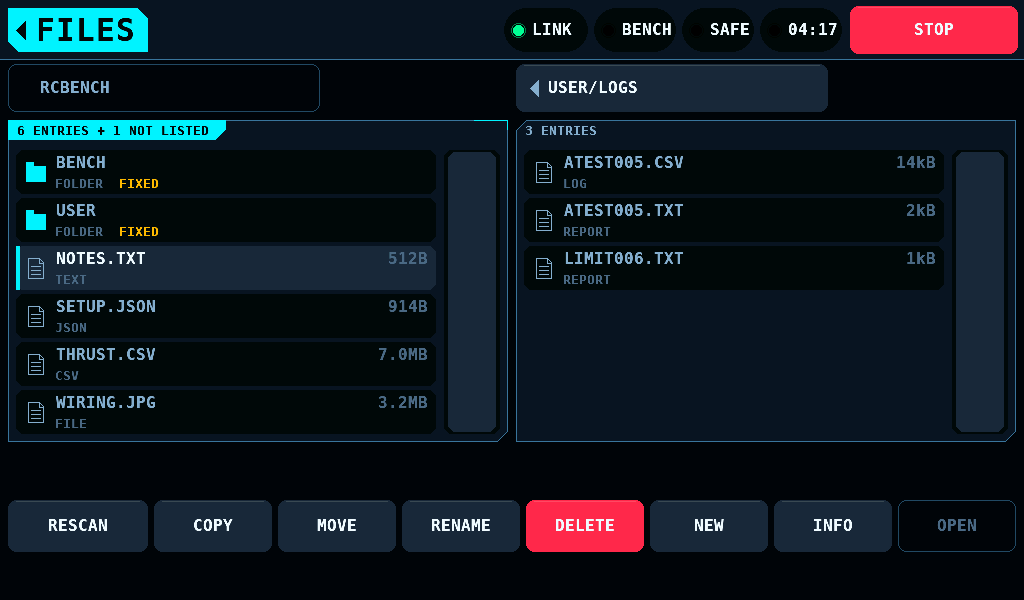
The left pane opens on the card's root, the right one on the User log folder (USER/LOGS by default). The pane with the coloured heading is the active one: OPEN, RENAME, DELETE, NEW and INFO act in it. COPY and MOVE take its selected entry to the other pane's folder. A tap on a row selects it and makes its pane the active one; a second tap on the same row is OPEN.
The button over a pane shows the folder's path and goes up one folder. PREV and NEXT stand beside it while the folder holds more than 48 entries. The heading counts the entries, and + 1 NOT LISTED counts the names the panel does not list: names that start with a full stop, such as .DS_Store, and names over 63 bytes. A folder that holds only such entries is not empty.
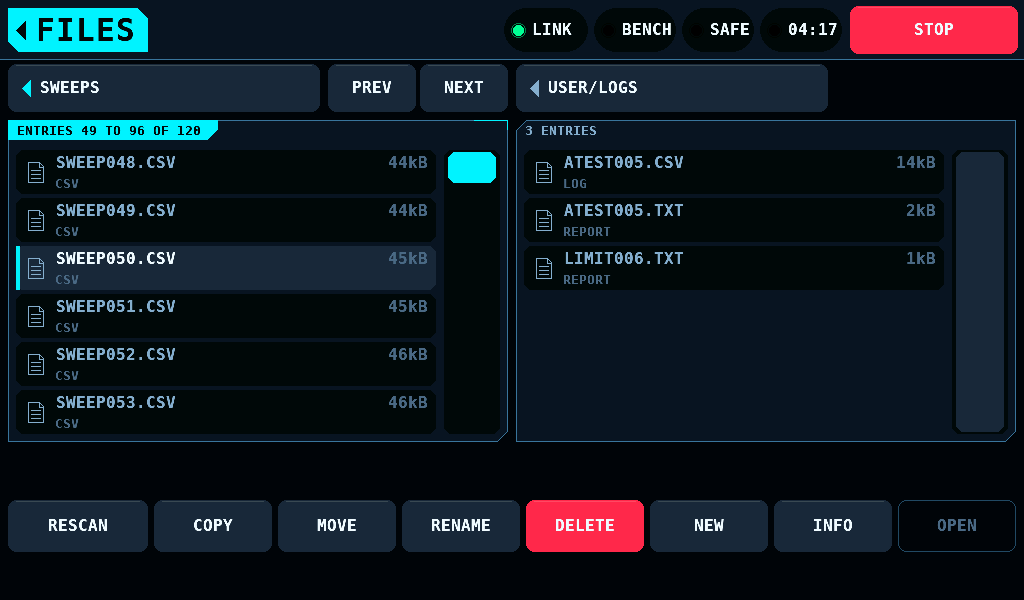
Each row shows the name, the size (512B, 14kB, 7.0MB; 1kB is 1,024 bytes), the kind and a state word:
| State | Meaning |
|---|---|
| FIXED | a folder the bench keeps, such as BENCH, USER and the log folders: no RENAME, MOVE or DELETE |
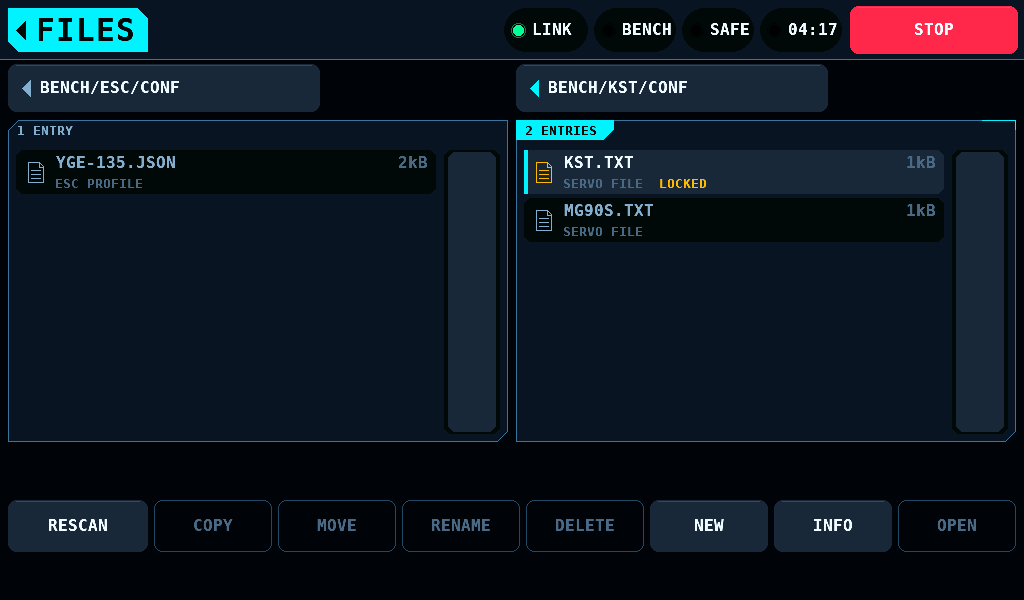
| LOCKED | the servo programmer's record, BENCH/KST/CONF/KST.TXT: INFO only |
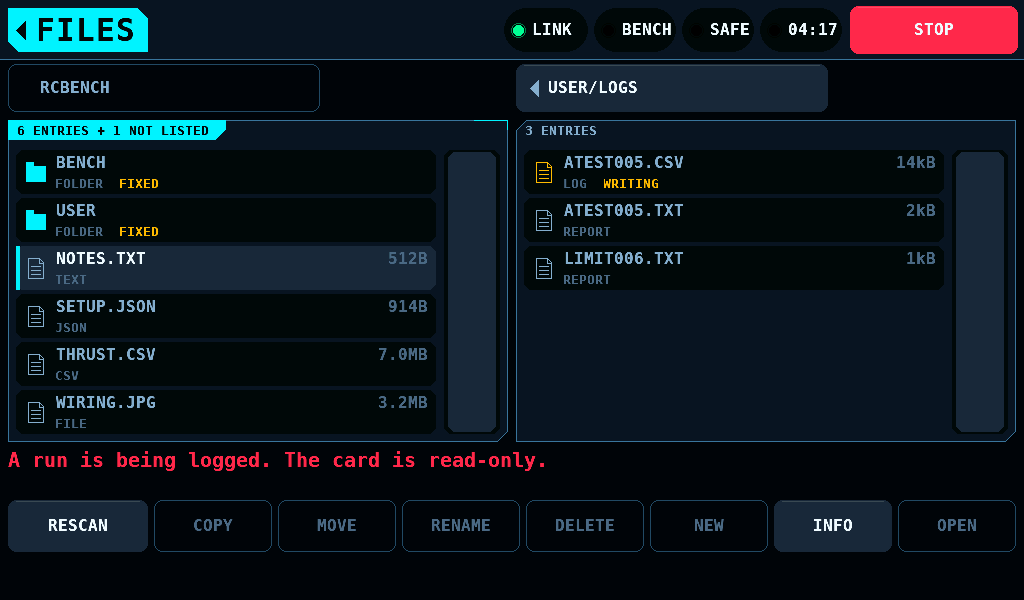
| WRITING | a file the logger has open: INFO only |
The fault log, BENCH/RCBENCH.LOG, takes COPY and DELETE only while the IOmcu link is up.
The buttons
A button that would be refused is dimmed. A tap on it says why on the line over the buttons.
| Button | What it does |
|---|---|
| RESCAN | looks at the card slot and reads each pane again at the page it shows. The top row and the selected entry stay; when the selected entry has gone from the card, nothing is selected, as after DELETE |
| COPY | copies the selected file into the other pane's folder. Folders are not copied |
| MOVE | moves the selected file or folder into the other pane's folder |
| RENAME | opens the keyboard with the entry's name |
| DELETE | asks first. A run's CSV file takes its report along. A folder is deleted only when it is empty |
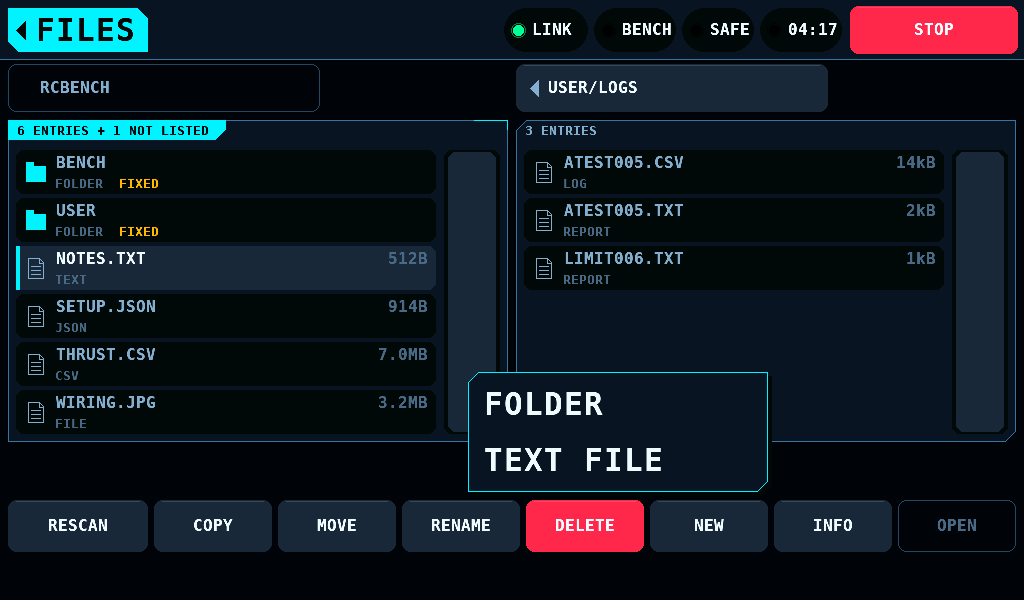
| NEW | FOLDER or TEXT FILE, then the keyboard for the name |
| INFO | name, folder, kind, size or entries, time and rule |
| OPEN | enters a folder. A CSV file or a report in ROOT, USER or BENCH opens on LOGS, a report as text. A file the bench is still writing stays here, ATEST012.TXT is being written., and any other file reads LOGS opens .csv files and reports in ROOT, USER and BENCH. |
An existing name is never overwritten: NOTES.TXT exists there already. A copy is written as NAME.NEW and renamed when it is complete.
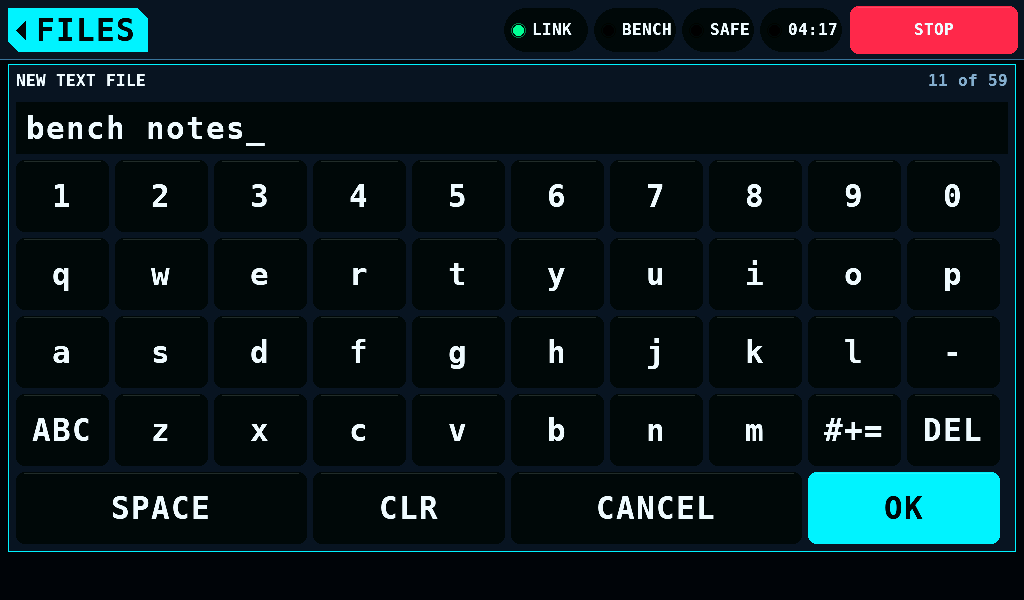
The keyboard takes up to 59 bytes; Ä Ö Ü ä ö ü ß take 2 each. OK refuses an empty name, one of " * / : < > ? \ |, a space or a full stop at either end, and device names such as CON or COM1, and says why beside the title.
ARMED and logging
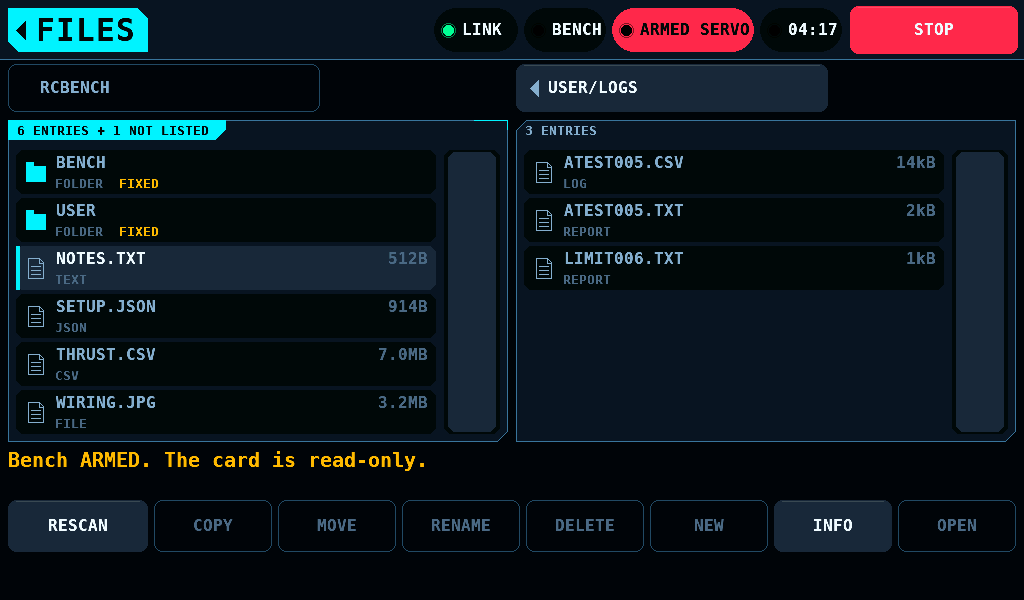
FILES writes only while the bench is SAFE and no run is being logged. While the bench is ARMED or a run is logged, every button but INFO and RESCAN is dimmed, and the line over the buttons reads Bench ARMED. The card is read-only. or A run is being logged. The card is read-only. A copy under way stops before its next 16KiB when the bench switches to ARMED or a run starts logging.
The boxes
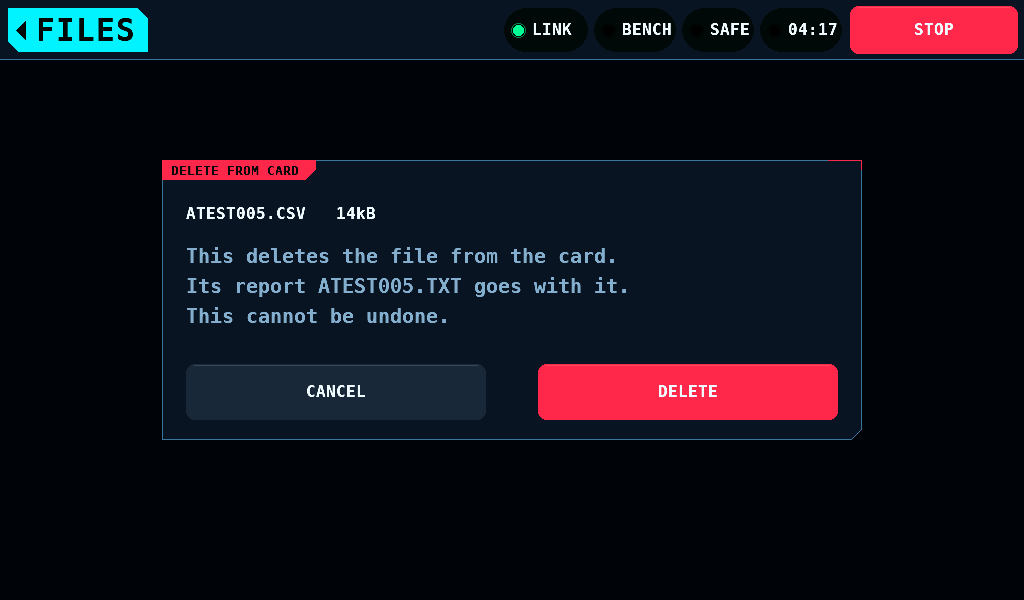
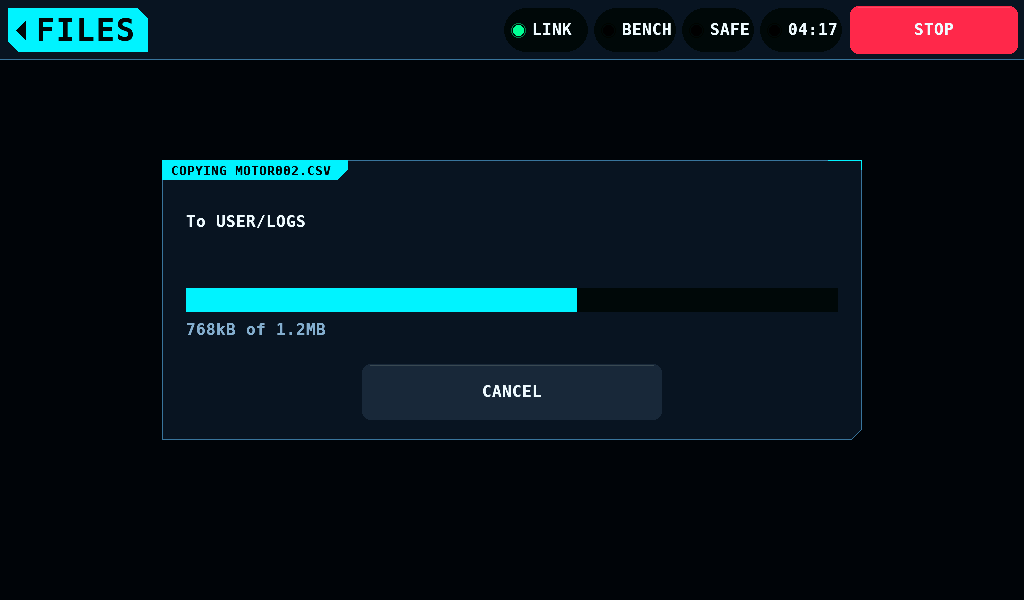
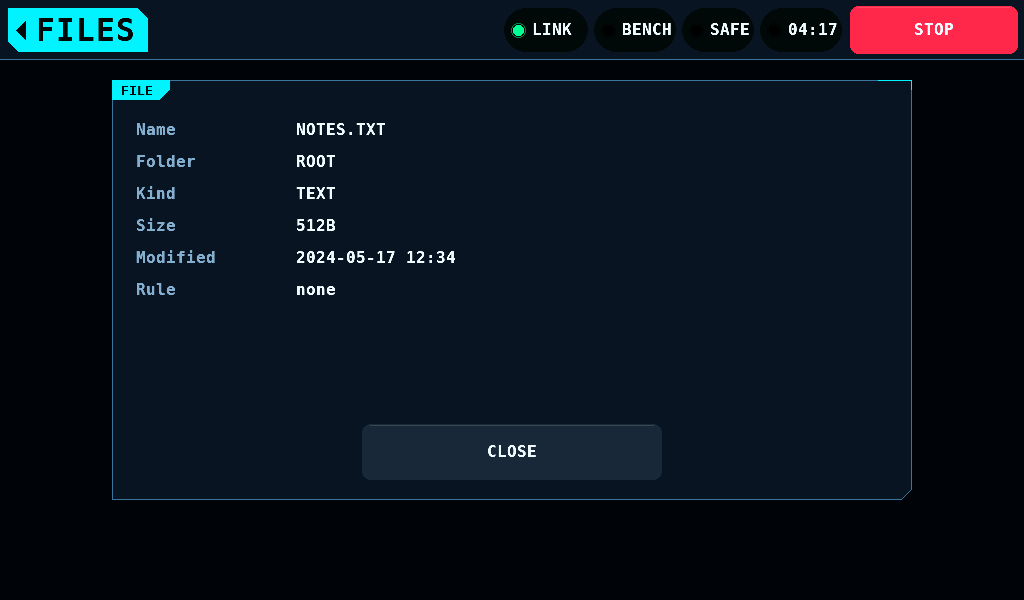
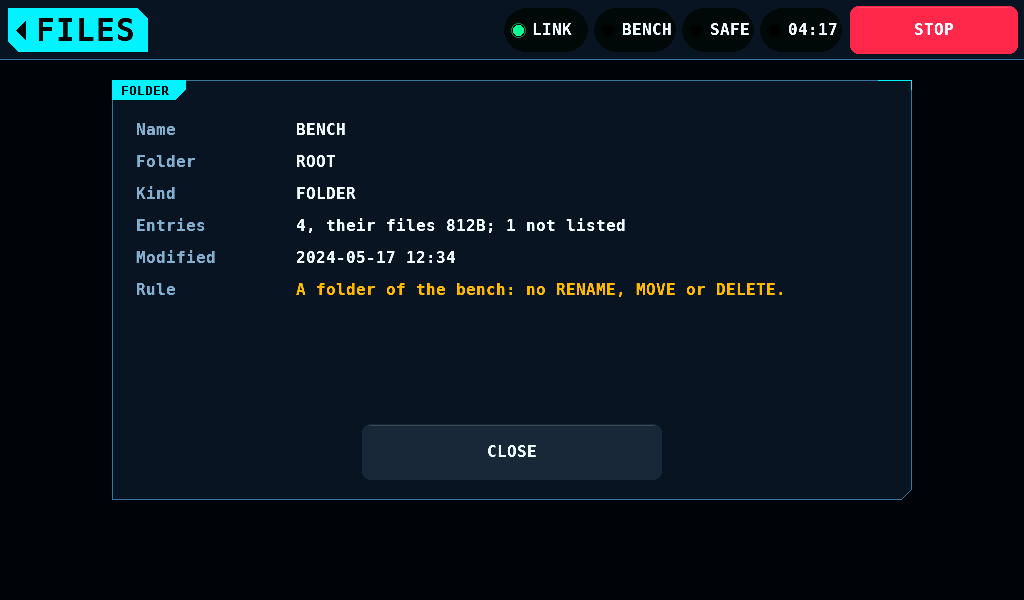
A job that takes longer than 0.25s shows its progress in a box; CANCEL stops a copy before its next 16KiB. INFO shows the time the card holds, in the zone of SETUP > PANEL's Time zone. A 1980 date reads not known: the clock was not set when the file was written (Setup).
No card
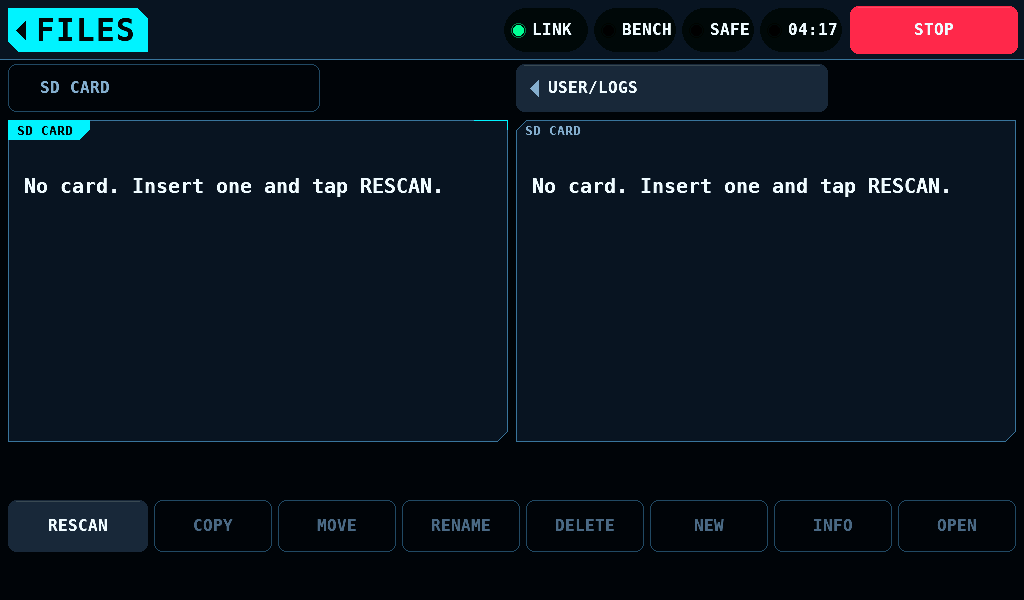
With no card, both panes read No card. Insert one and tap RESCAN. A card put in, taken out or swapped is found by RESCAN; both panes then go back to the root and the User log folder.