Panel update
PANEL UPDATE writes a new panel firmware image into the panel's flash. It opens after the 2s hold on INSTALL on Wi-Fi, or when a download from Updates has passed its checks, and it takes the whole screen: no band and no STOP. Nothing can be switched to ARMED behind it.
Writing
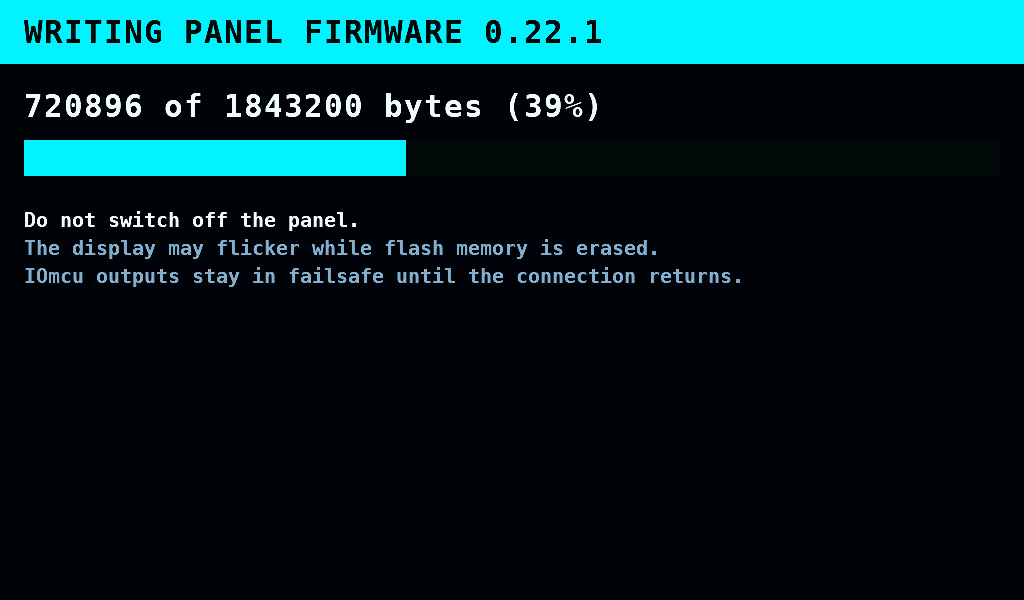
The hold switches the radio off first. The panel then stops its polls and withholds the heartbeat, so the IOmcu holds its outputs in failsafe, as at any restart of the panel. The screen writes the slot that is not running, in pieces of 64KiB, and shows the bytes written and the percentage. What the display shows during each flash erase is not measured. Do not switch off the panel.
How long the erase and the write take is not measured.
Written and checked
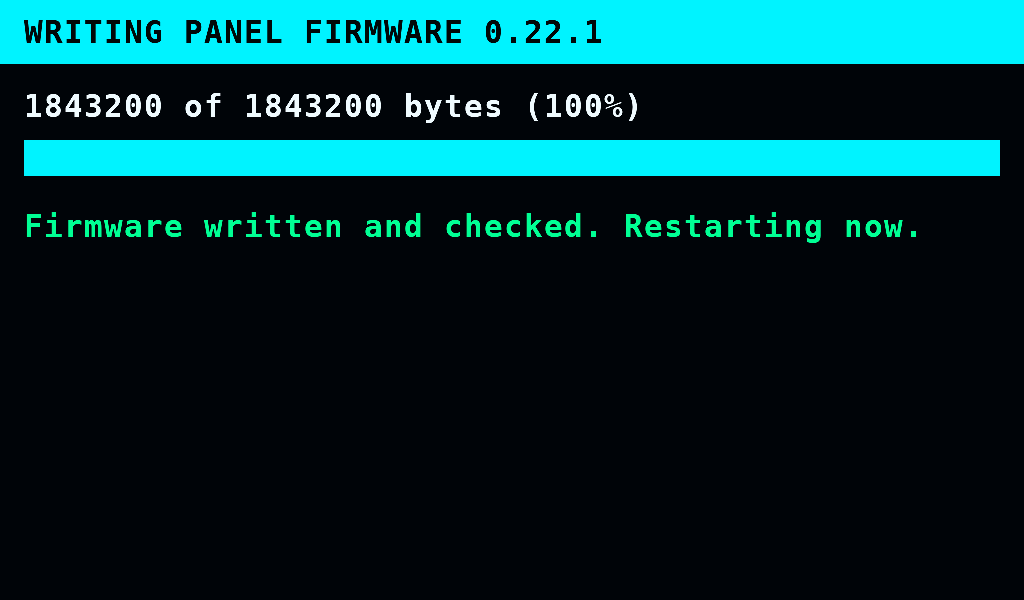
When the write completes, the slot is read back and checked, it becomes the slot that starts, and the panel restarts. The splash shows the new version, and the band says Panel firmware 0.22.1 installed..
The first start of a new build is a trial. Without touch the panel goes back to the build before it at once: no touch, no STOP. With the display and touch up, the build is kept once the panel works as a whole: the card tried (no card counts), the settings loaded, the control and logger tasks running, and a whole frame on the display. The IOmcu is not waited for. 30s after the start the build is kept once the screen runs, whatever else is missing. Keeping waits while the bench is ARMED or the supply output is on. A start that resets before the build is kept, by a fault, a watchdog, a restart or a power cut, goes back to the build before it, and the band says Panel firmware 0.22.1 failed to start. Version 0.22.0 is running again.. When keeping a good start fails, the band says Panel firmware 0.22.1 was not kept. The next restart restores the previous version..
The write failed
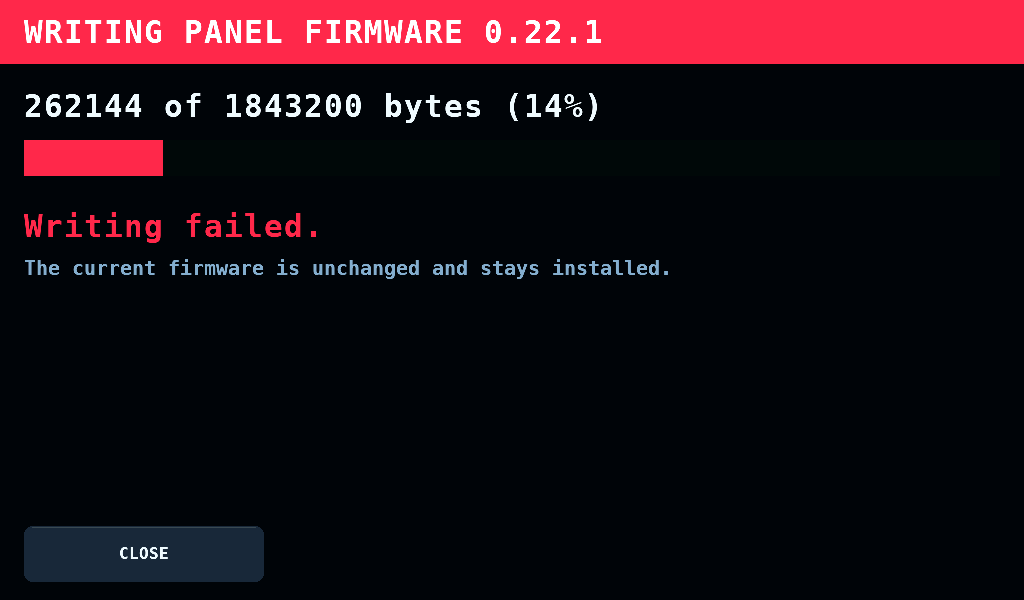
A write that fails changes nothing that starts: the running firmware stays. CLOSE goes back after an upload to the screen that opened Wi-Fi, SETUP or LOGS, and to Updates or the menu after a download.
Current limitations
- A power cut during the trial start loses the band's line; the panel still goes back to the build before.
- A trial start that stops on the splash, in a card mount that does not return for example, is not kept and does not restart by itself. A restart or a power cut goes back to the build before.
- Before the first update over Wi-Fi the panel needs one flash over USB (Universal Serial Bus) to reach the layout with two application slots: First run.