Wi-Fi
WI-FI runs the panel's Wi-Fi for two jobs in a browser: every file on the SD (Secure Digital) card to download, and a panel firmware image to upload. It opens from the WI-FI tile on SETUP and from WI-FI in the bottom row of LOGS. Its home tag returns to the screen that opened it. Over the network list or a keyboard it climbs one level first, as CANCEL does: from a keyboard to the list, keeping nothing typed, and from the list to the buttons. Over the question about an uploaded image it is CANCEL: the image is dropped and the screen stays; a second tap while the image is still there leaves. The radio runs only while this screen is open. It is off at every start of the panel.
The start screen
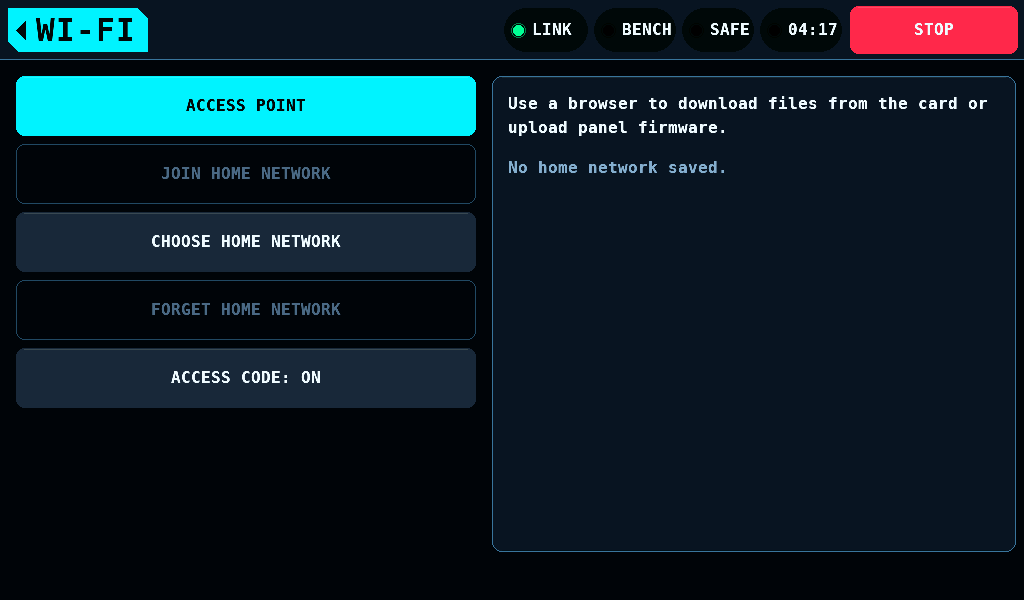
| Button | What it does |
|---|---|
| ACCESS POINT | starts the panel's own network |
| JOIN HOME NETWORK | joins the network kept; grey while none is kept |
| CHOOSE HOME NETWORK | scans and lists the networks in reach |
| FORGET HOME NETWORK | erases the kept network and sets the access code back to on; grey while none is kept |
| ACCESS CODE: ON, OFF | whether the browser page asks for the access code |
When the radio may not start
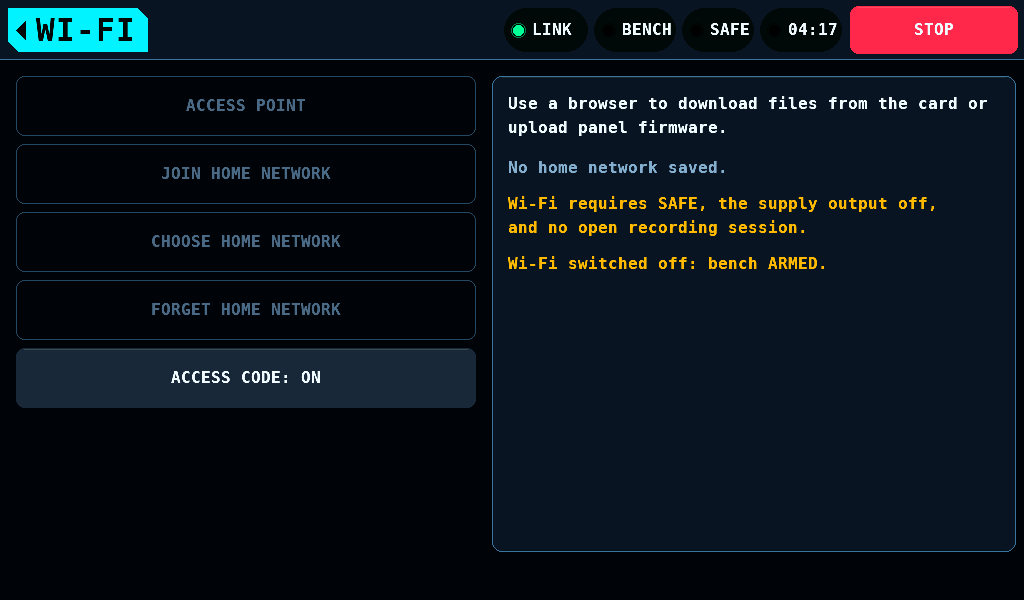
The radio starts only with the bench SAFE, the supply output off and no log run open. Otherwise the buttons that start it are grey and the card says what is missing.
The radio goes off on its own, and the card names the reason in one line:
| Line | Cause |
|---|---|
Wi-Fi switched off: bench ARMED. | a switch to ARMED |
Wi-Fi switched off: STOP. | STOP |
Wi-Fi switched off: supply output on. | the supply output came on |
Wi-Fi switched off: a recording session started. | a run started recording |
Wi-Fi switched off after 10min without a request. | no request for 10min |
Wi-Fi switched off after 16 wrong access codes. | 16 wrong codes on the page |
Wi-Fi could not start. | the radio failed to start |
Leaving the screen switches the radio off as well. The link to the IOmcu and the heartbeat run as on every other screen.
ACCESS POINT
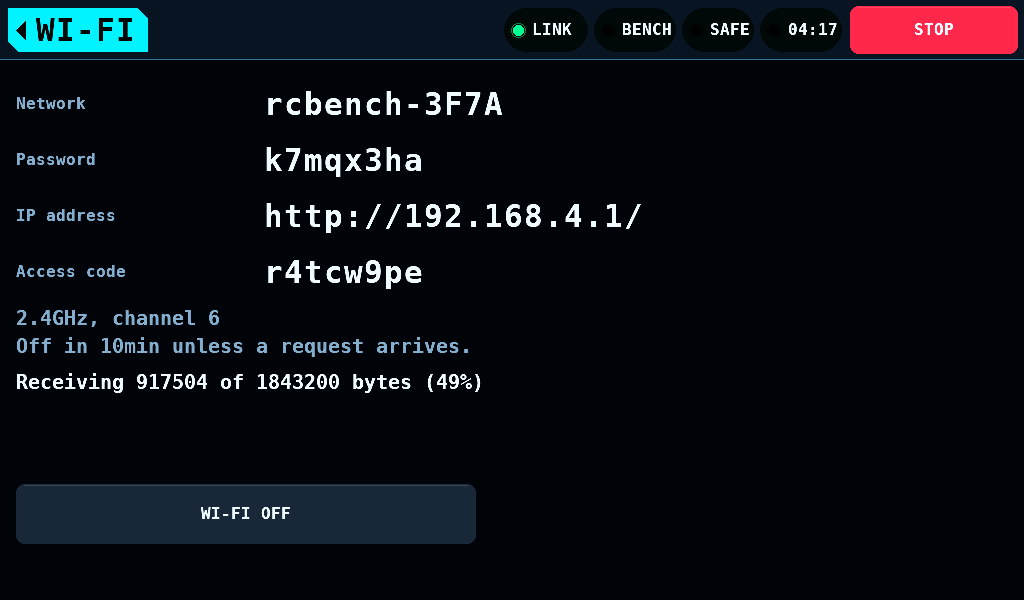
ACCESS POINT starts the panel's own network. The screen shows what a phone or a computer needs.
| Item | Value |
|---|---|
| Band and channel | 2.4GHz, channel 6 |
| Security | WPA2 (Wi-Fi Protected Access 2) personal |
| Network name | rcbench- and 4 hex digits of the panel's MAC (media access control) address, for example rcbench-3F7A |
| Password | 8 characters, new at every start, without 0, 1, i, l and o |
| Clients | 1 at a time |
| IP address | http://192.168.4.1/ |
| Range | not measured |
- On the phone or computer, join the network the screen names, with the password it shows.
- Open
http://192.168.4.1/. - Enter the access code the screen shows.
Choosing a home network
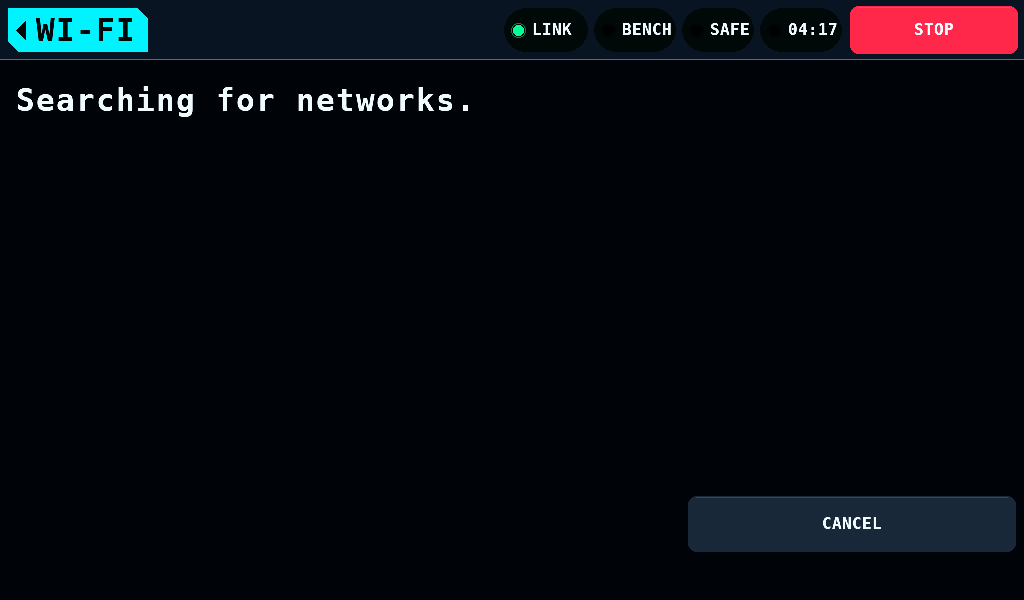
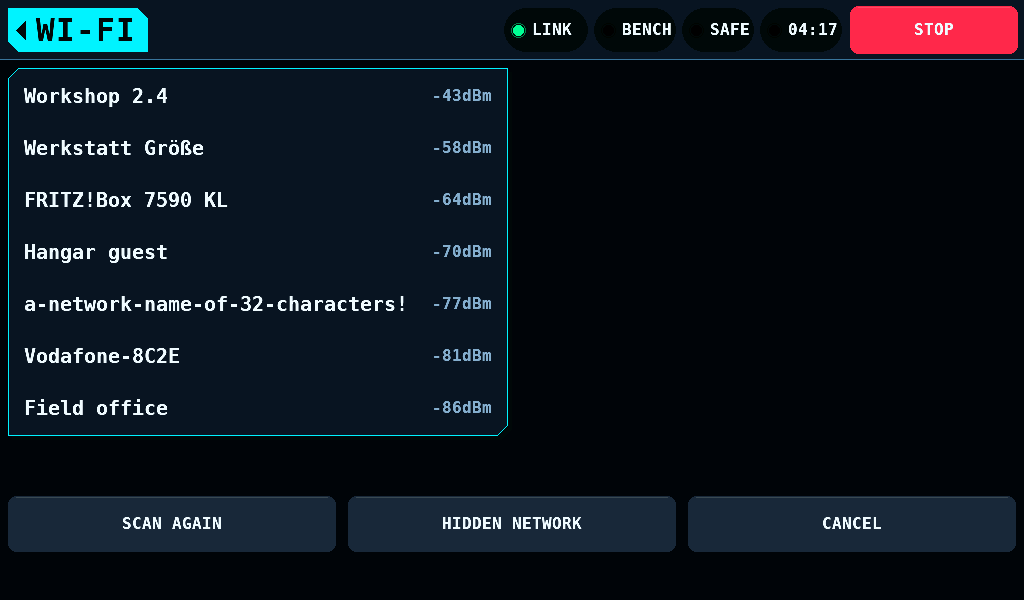
The panel can join a WPA2 or WPA3 personal network instead. CHOOSE HOME NETWORK scans for 10s at most, then lists up to 16 networks, strongest first, with their signal in dBm. Networks without a name, open networks and enterprise networks are left off.
- A tap on a network opens the keyboard for its password.
- HIDDEN NETWORK asks for the name of a network that does not announce itself, then for its password.
- SCAN AGAIN scans again. CANCEL goes back.
No WPA2 or WPA3 network found. means the scan completed and found no network to list. A failed scan runs again, 3 scans at most within the 10s. Wi-Fi could not start. in the list's place means no scan completed: SCAN AGAIN tries again.
The keyboard
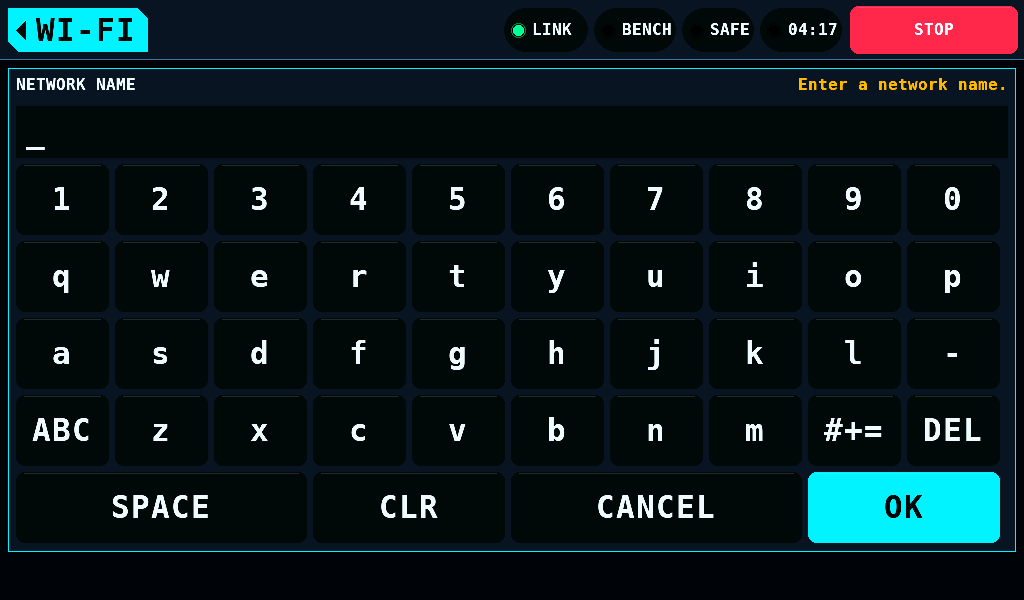
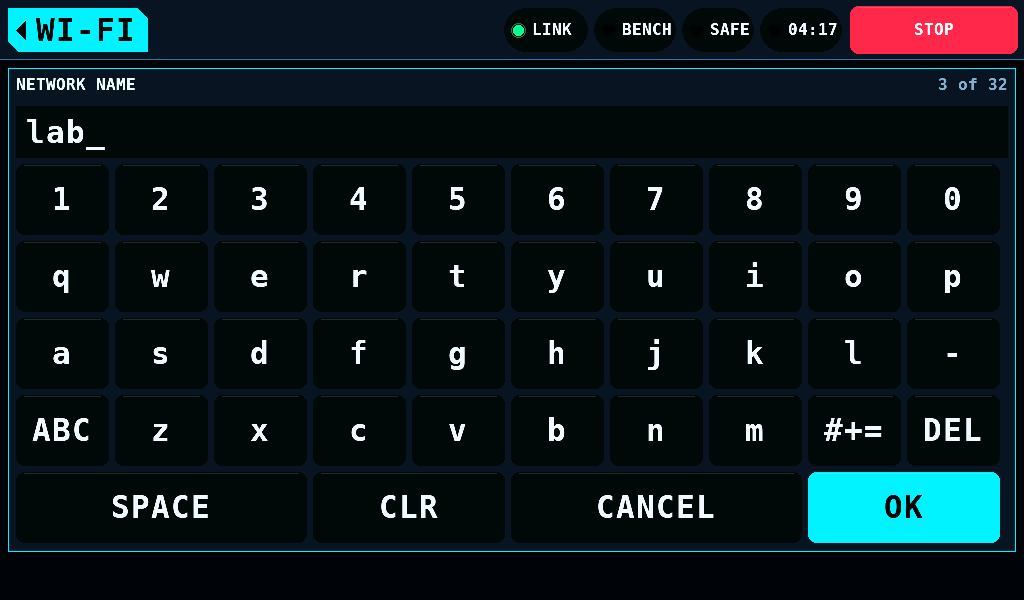
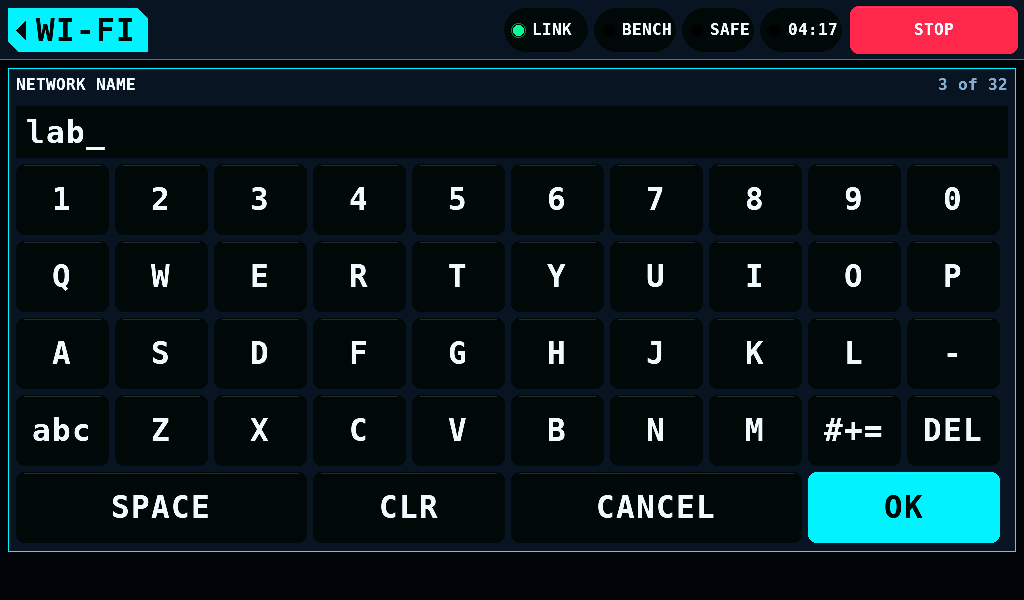
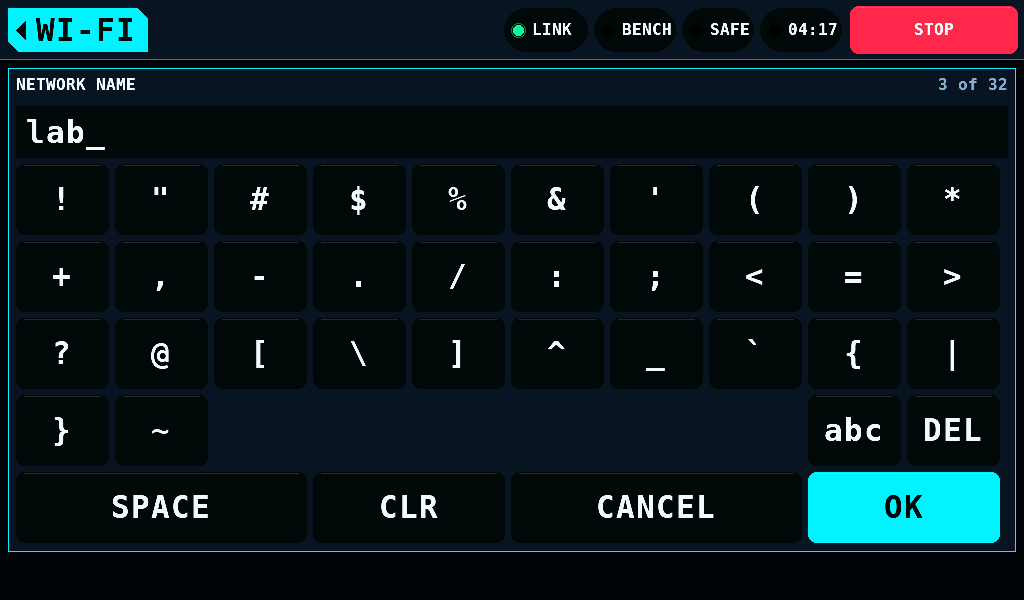
The keyboard has three layers: lower case, ABC for upper case and #+= for marks. Each of the 95 printable ASCII (American Standard Code for Information Interchange) characters is on one layer. SPACE is the wide key. A name takes 1 to 32 bytes. A password takes 8 to 63 characters.
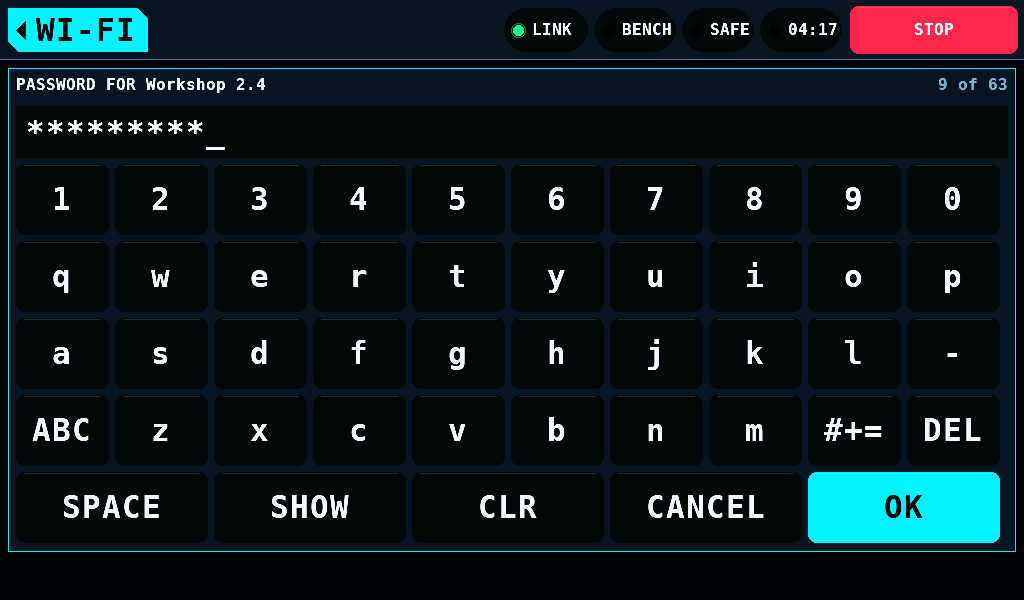
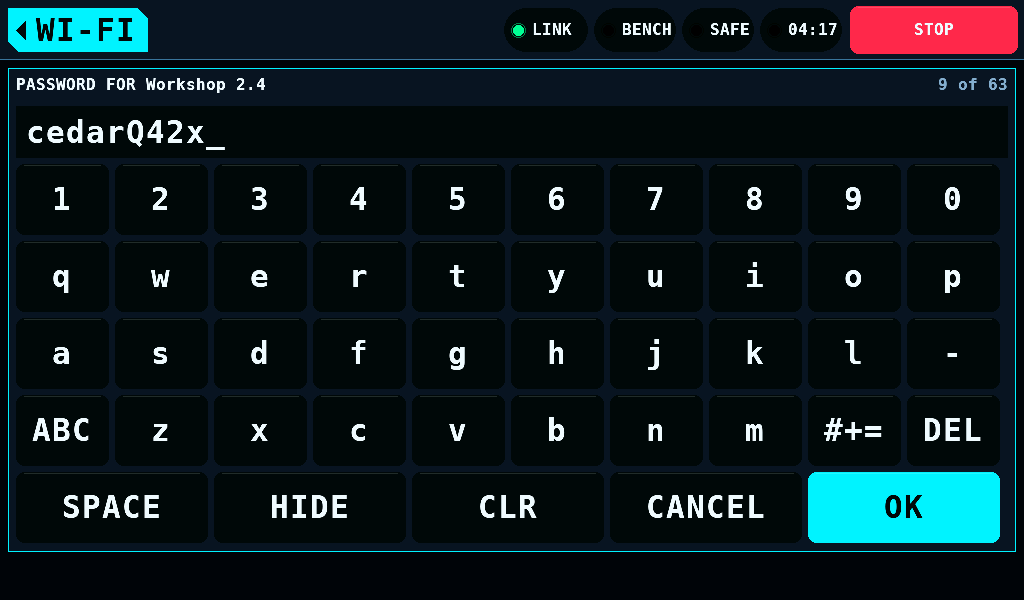
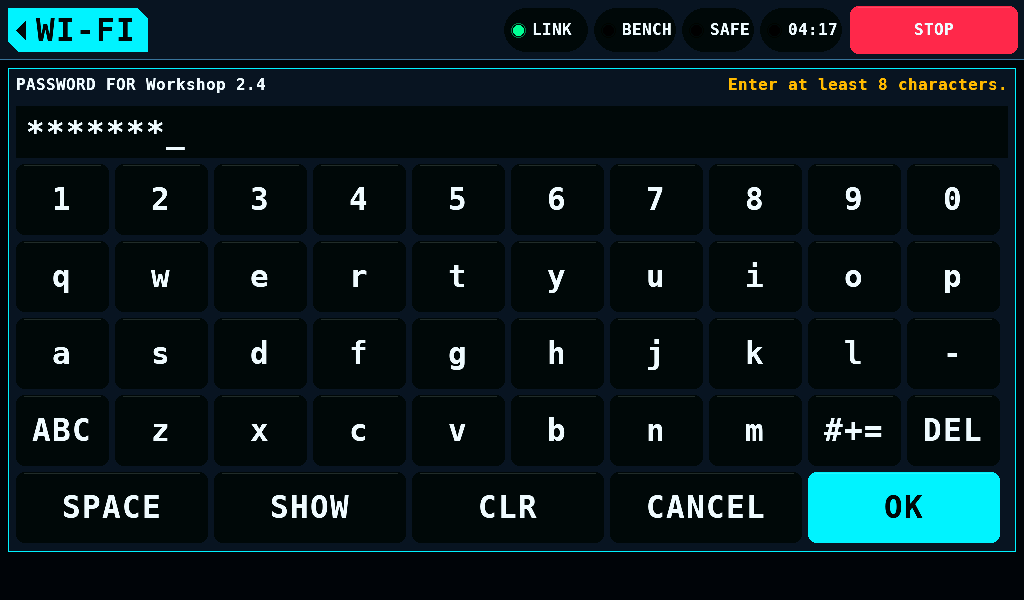
The password shows as dots until SHOW; HIDE hides it again. OK under 8 characters says so, and a 64th character is refused. OK keeps the network: its name and password go to NVS (non-volatile storage).
Joining the home network
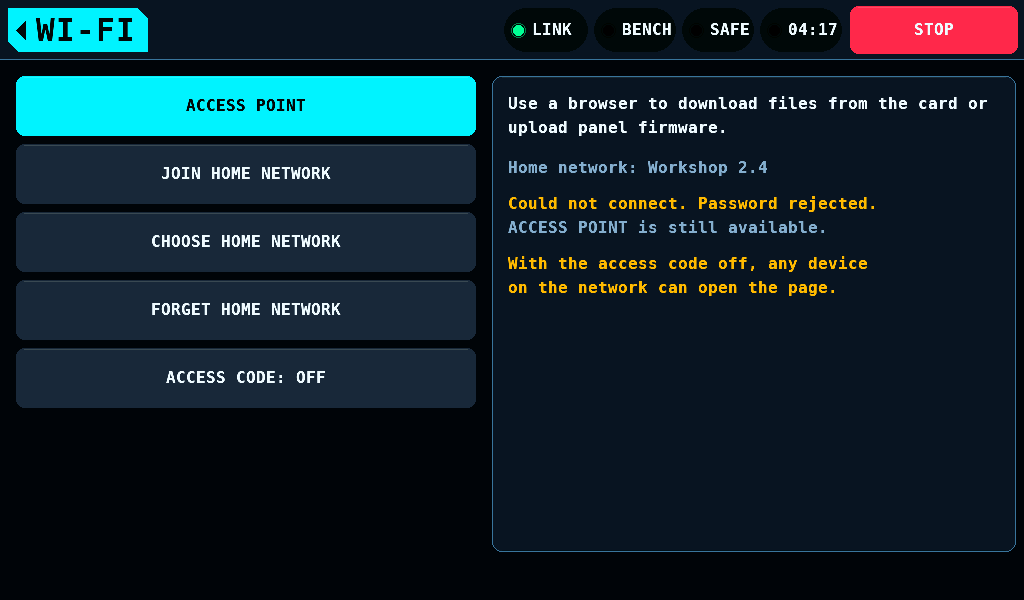
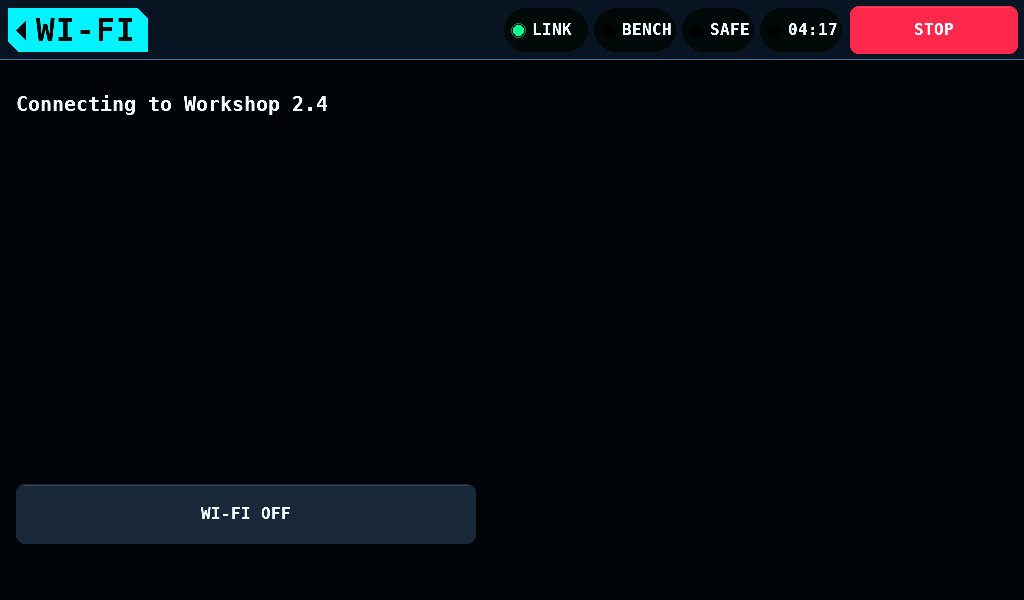
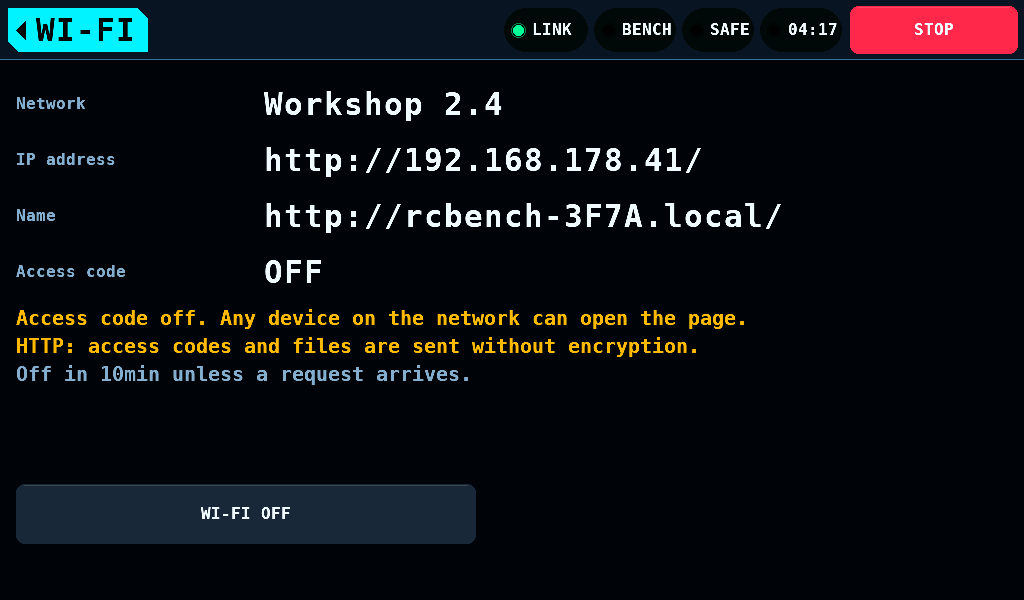
JOIN HOME NETWORK joins the kept network. Joined, the screen shows the network, the panel's address and its name, http://rcbench-3F7A.local/. The name answers on computers that resolve .local names; which phones do is not measured. The address works on every device.
| Line | Condition |
|---|---|
Could not connect. Password rejected. | the network refused the password 3 times in a row, or refused it last when 20s ran out |
Could not connect. Network not found. | no association within 20s, and the last drop of another kind, or none |
Connection failed. No IP address within 15s. | associated, and no address within 15s |
Connection to the home network lost. | joined, then the network dropped the panel |
A failed join offers ACCESS POINT. WI-FI OFF switches the radio off.
The access code
The browser page asks for an 8-character code before it lists a file or takes an upload. The screen shows the code, and it is new at every start of the radio. 16 wrong codes switch the radio off. ACCESS CODE switches the code off for both ways in; the screen then reads Access code off. Any device on the network can open the page. An upload still installs only after the 2s hold on the panel.
The browser page
The page uses the panel's language.
- Panel firmware: the version installed, a file picker and Upload. The file is the release asset
rcbench-panel-p4-vX.Y.Z.bin. A file larger than 8,126,464 bytes is refused before a byte is sent. - Files on the card: every file with its name, size in bytes and time in the zone of SETUP > PANEL's Time zone; a 1980 date, an unset clock's, leaves the time empty. Each name downloads that file. The page writes nothing on the card.
- Download all as one ZIP file: the whole card, stored uncompressed. A file that grows by appending is sent as it was when the download started; a file added during it is left out. Removing or renaming a file during the download ends it as failed; the rotation of
BENCH/RCBENCH.LOGat 1MiB is a rename. On a home network a 16MiB file came down at 688-757kB/s and a 2.56MB image went up at 556-599kB/s. The page itself, 18.9kB with its card listing, took 4.54s.
The page answers one request at a time: a request made during a download waits for its end. A download the browser takes nothing of for 30s ends, and the browser reports it as failed.
Installing an image
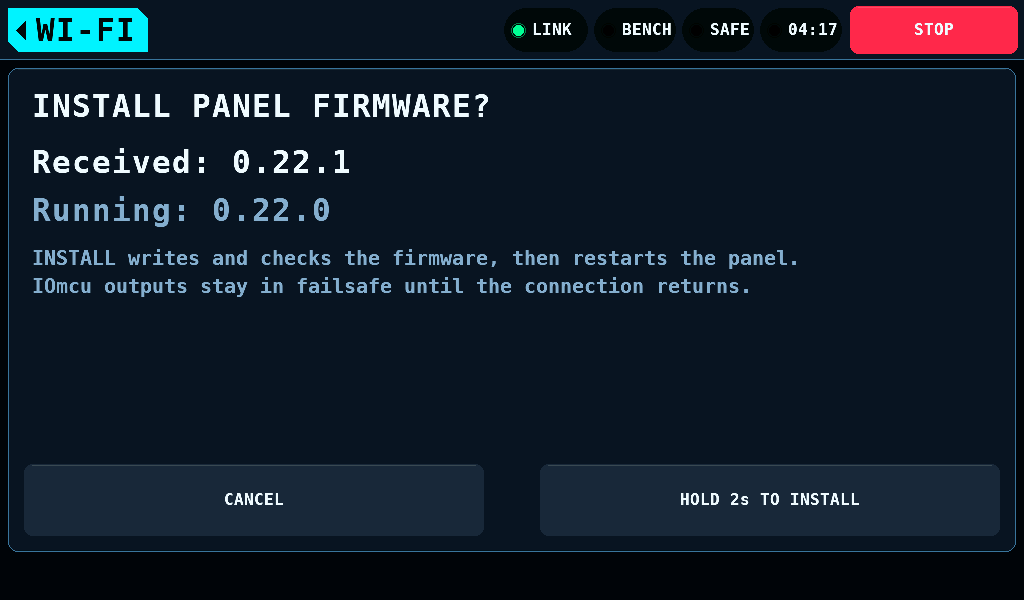
An image the page received waits on the panel as a question with both versions. INSTALL is a 2s hold, HOLD 2s TO INSTALL; the browser cannot start it. CANCEL drops the image. The install needs the bench SAFE, the supply output off, no log run open, no board drawing being fetched or kept and no IOmcu update running.
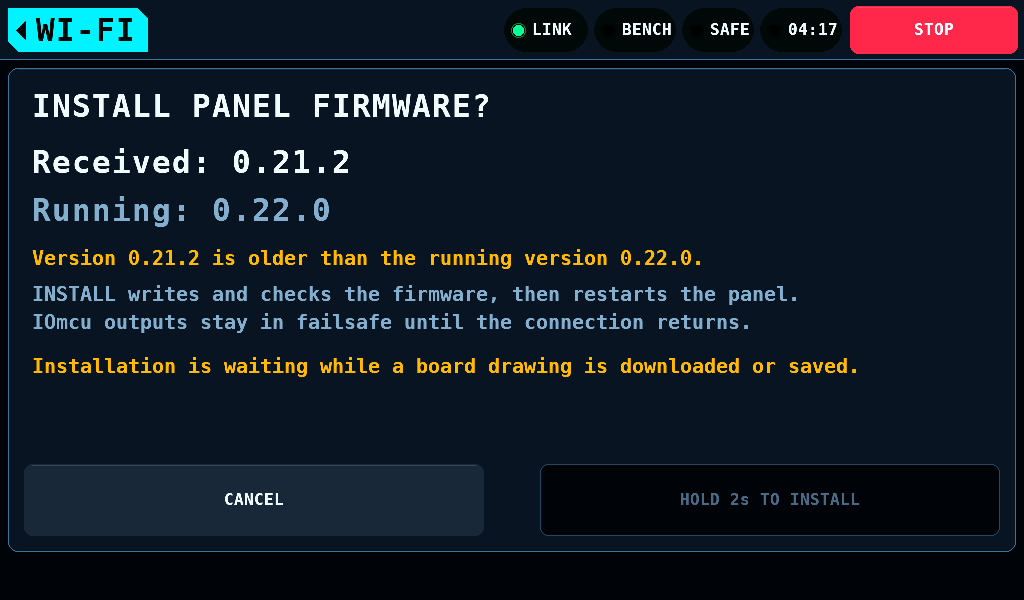
An older version is allowed, and the question says it is older.
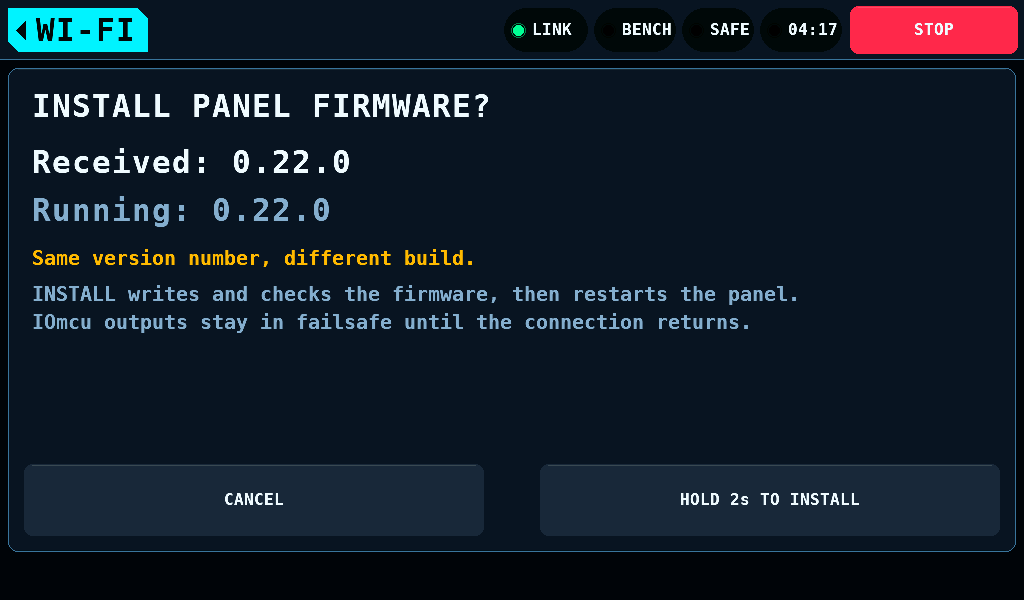
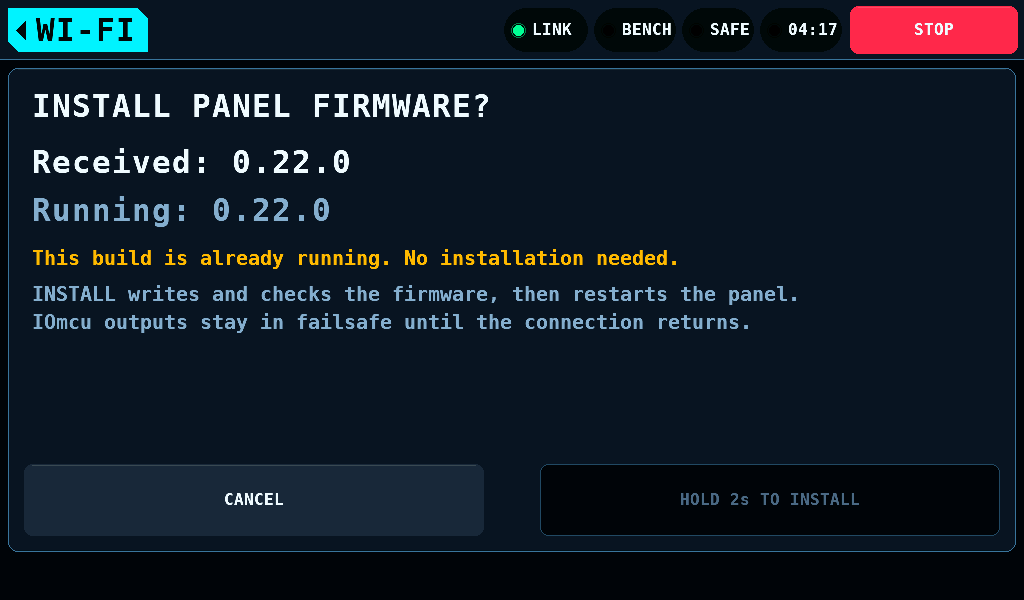
The same version from another build is offered as a reinstall. The build that runs already is not offered. The hold opens PANEL UPDATE.
Current limitations
- NVS is not encrypted. The home network's password is kept in plain form in the panel's flash.
- The page is plain HTTP (hypertext transfer protocol). On a home network the access code and every file cross the network unencrypted. The screen says so while joined.
- An uploaded image is checked against its own SHA-256 hash, not against a signature.
- The panel stays joined only while this screen is open.