IOmcu update
A panel firmware image carries the IOmcu's image and offers it when the IOmcu runs another build. The check runs at every link-up over the CAN (Controller Area Network) bus and compares SHA-256 (Secure Hash Algorithm, 256 bits) digests, not version numbers. A different build raises the alert IOmcu runs a different build. Update it under SETUP > UPDATES..
The question
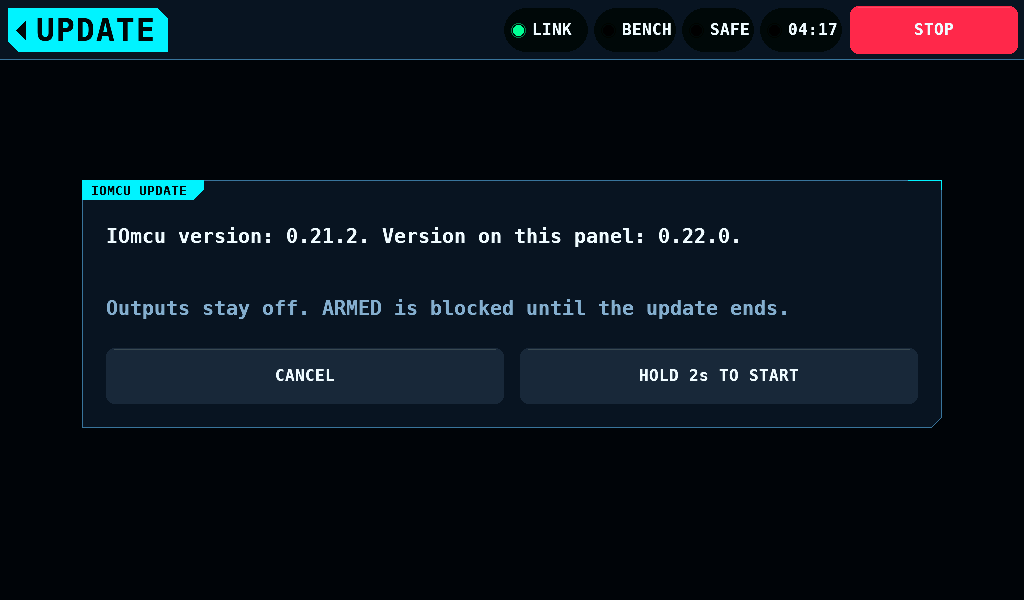
The question opens from the menu, with UPDATE in the band, while the bench is SAFE, the supply output is off, the Wi-Fi radio is off and no panel update is under way. It names the version the IOmcu runs and the version the panel carries.
| Control | What it does |
|---|---|
| HOLD 2s TO START | starts the update after a 2s hold, with the gesture and fade of ARM |
| CANCEL | closes the question; the panel does not ask again for that version until it restarts, and Updates still starts the update |
Leaving the question another way declines it as CANCEL does.
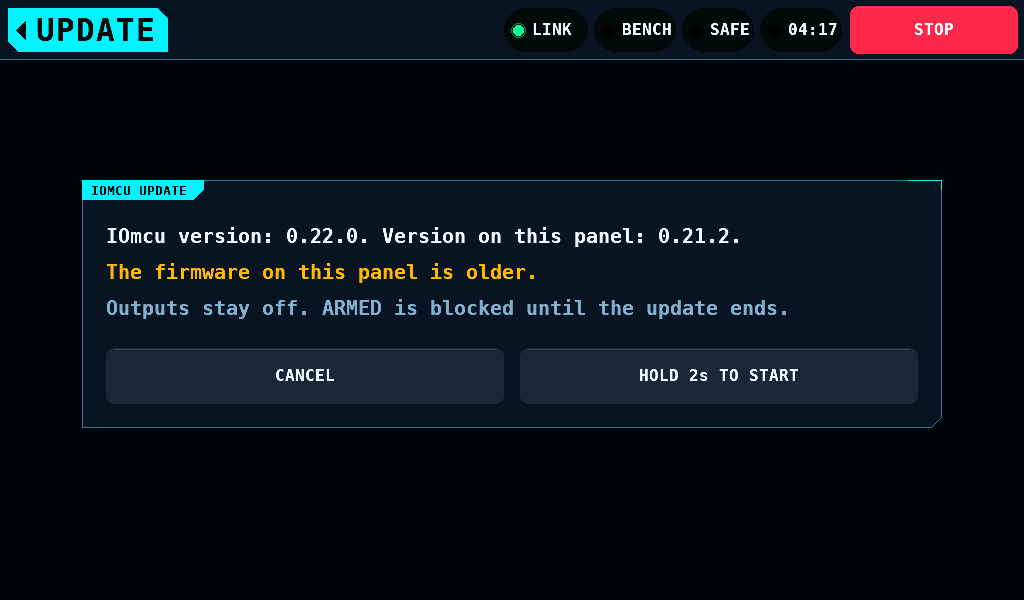
An older image is offered too. The question then reads The firmware on this panel is older. in the warning colour.
The progress
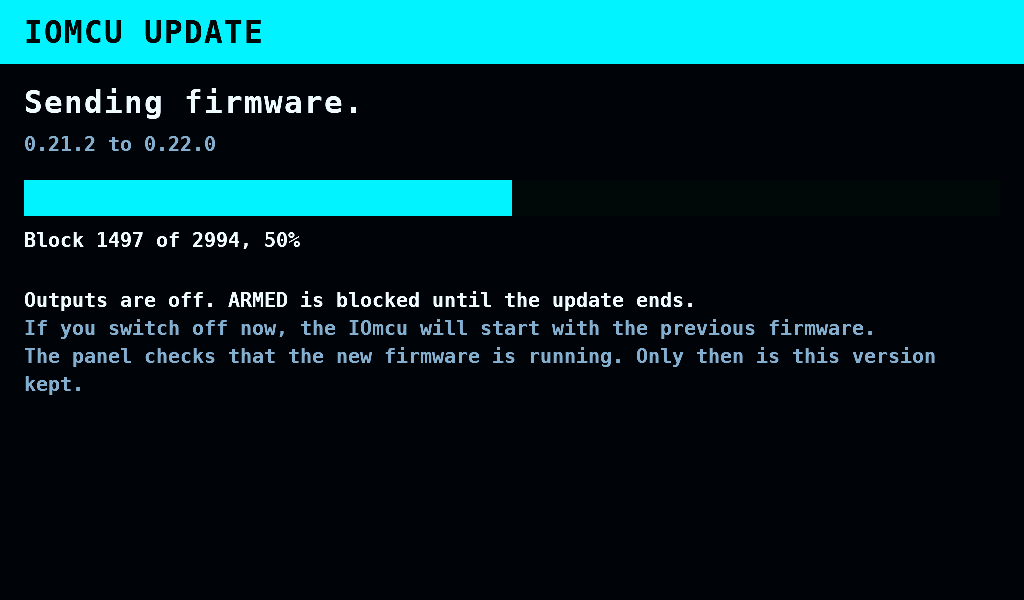
Once the hold completes, the update has the panel to itself. The link goes down, the outputs are off, and the IOmcu refuses ARM until the update ends. The progress fills the screen with no band and no STOP.
| Step | Shown while |
|---|---|
Preparing firmware. | the panel hashes the image, 8KiB a step |
Sending firmware. | the blocks go out, 64 bytes each, counted as Block 1497 of 2994, 50% |
IOmcu is checking the firmware. | the IOmcu hashes the slot it wrote |
IOmcu is starting the new firmware. | it restarts into the new slot, on trial |
Keeping the new firmware. | the panel reads the new image's identity and keeps it |
The transfer time is not measured.
How it ended
The screen returns to the menu when the update ends, or to Updates when its hold started the update, and the alert band says how:
| Alert | Meaning |
|---|---|
IOmcu updated to 0.22.0. | the new image runs and is kept |
IOmcu update stopped: no response. Previous firmware is running. | nothing answered for 4s |
IOmcu update stopped: refused, error 6. Previous firmware is running. | the IOmcu refused a step |
IOmcu update stopped: firmware check failed. Previous firmware is running. | the slot's SHA-256 is not the image's |
IOmcu update stopped: flash memory stayed busy. Previous firmware is running. | the flash stayed busy for 10s |
IOmcu update stopped: IOmcu restarted 3 times. Previous firmware is running. | three starts from block 0 |
IOmcu update stopped: new firmware did not start. Previous firmware is running. | no identity from the new image within 12s |
IOmcu cannot update over CAN. Install firmware once via USB. | the IOmcu has no update pages or no partition table; flash it once over USB (Universal Serial Bus) |
New IOmcu firmware kept. | an image found on trial at link-up was kept |
A power cut during the update leaves the IOmcu on its old image, and the next link-up offers the update again.
Related pages
- Panel update: installing a panel image over Wi-Fi.
- Bringing up the link: the transfer, the flash layout and the error numbers.